How to integrate PayPal with systeme.io
In this article, you will learn how to integrate your PayPal account with your systeme.io account.
You will need:
A systeme.io account
A PayPal Business account (sign up for a PayPal Business account or convert an existing Personal account to a Business account; it’s free)
1. Integrating PayPal with systeme.io
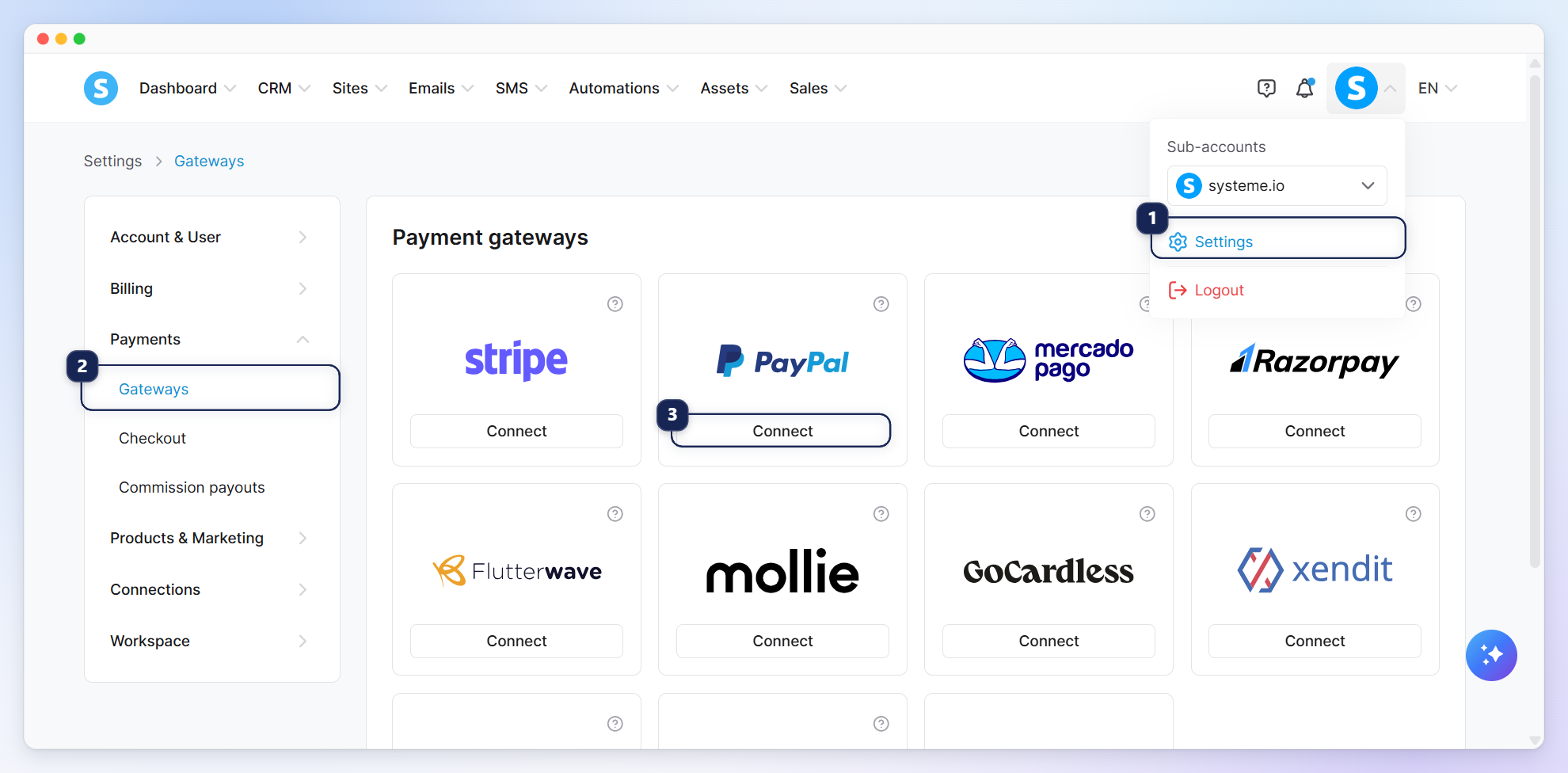
To connect your PayPal account to systeme.io, click your profile picture and select Settings (1).
In the left-hand menu, click Gateways (2) under Payments, then click Connect (3) next to PayPal.
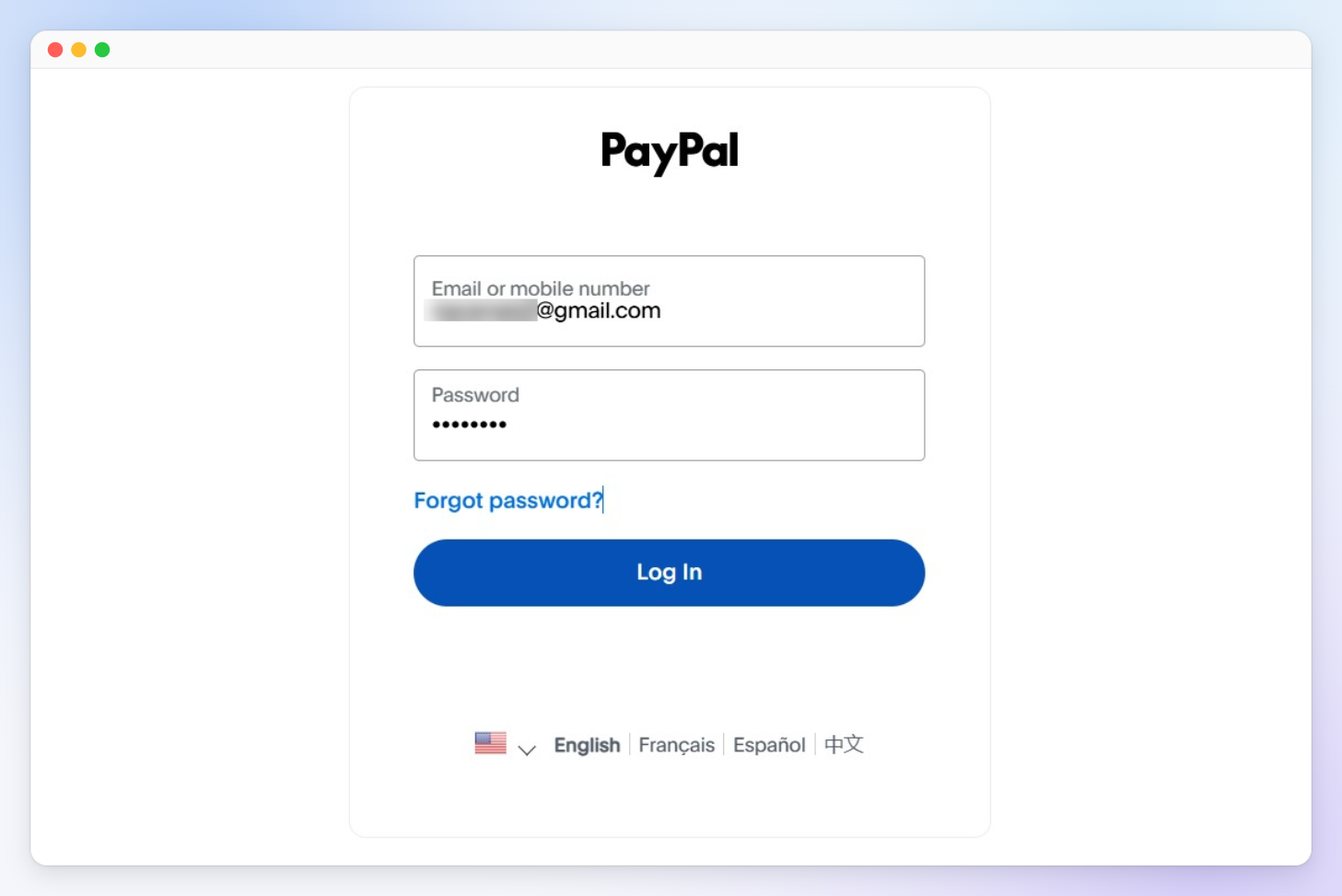
A new tab will open, prompting you to log in to PayPal. Enter your email address and password.
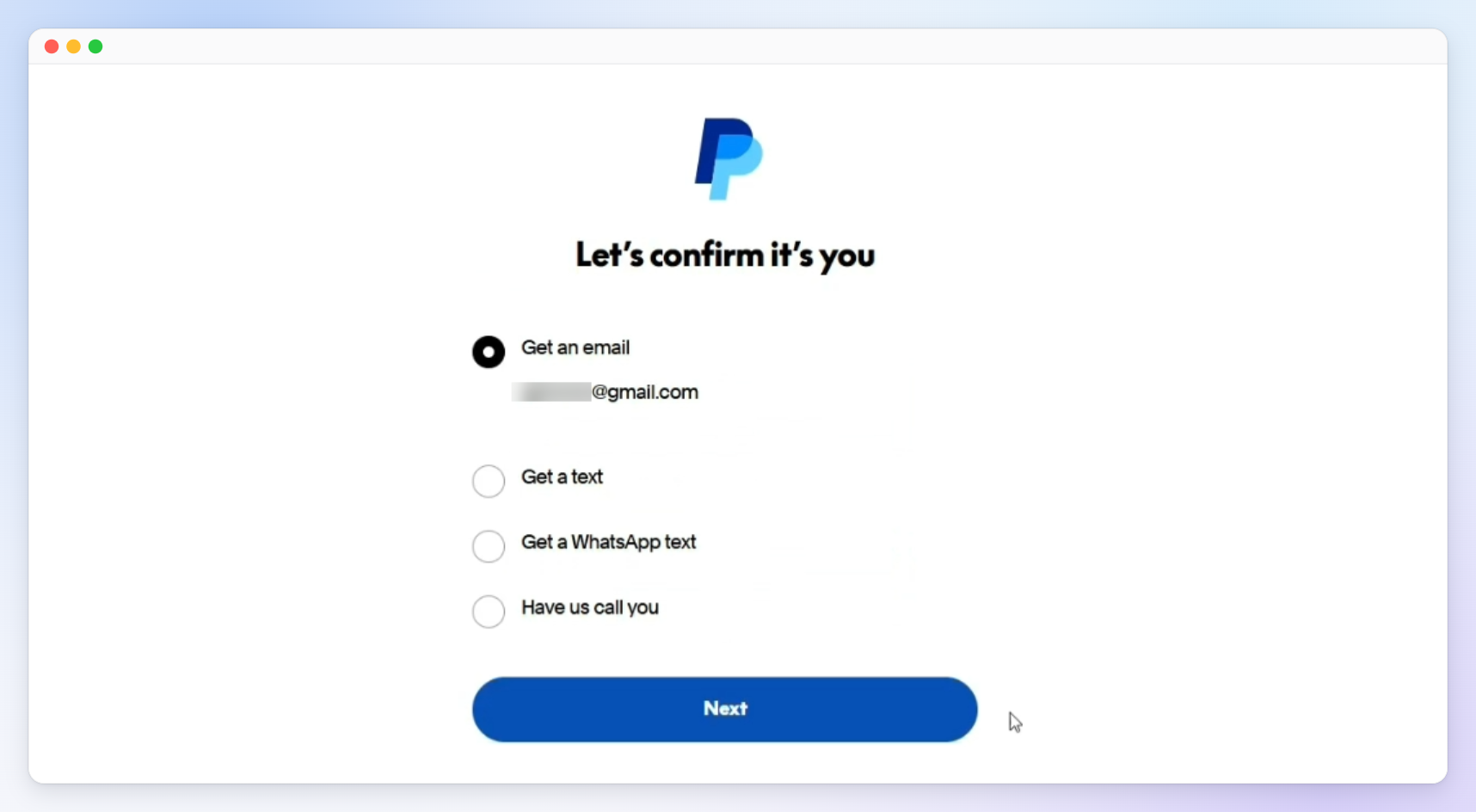
If you have two-factor authentication (2FA) enabled on your PayPal account, you will be asked to verify your identity by entering a security code sent to your phone or email.
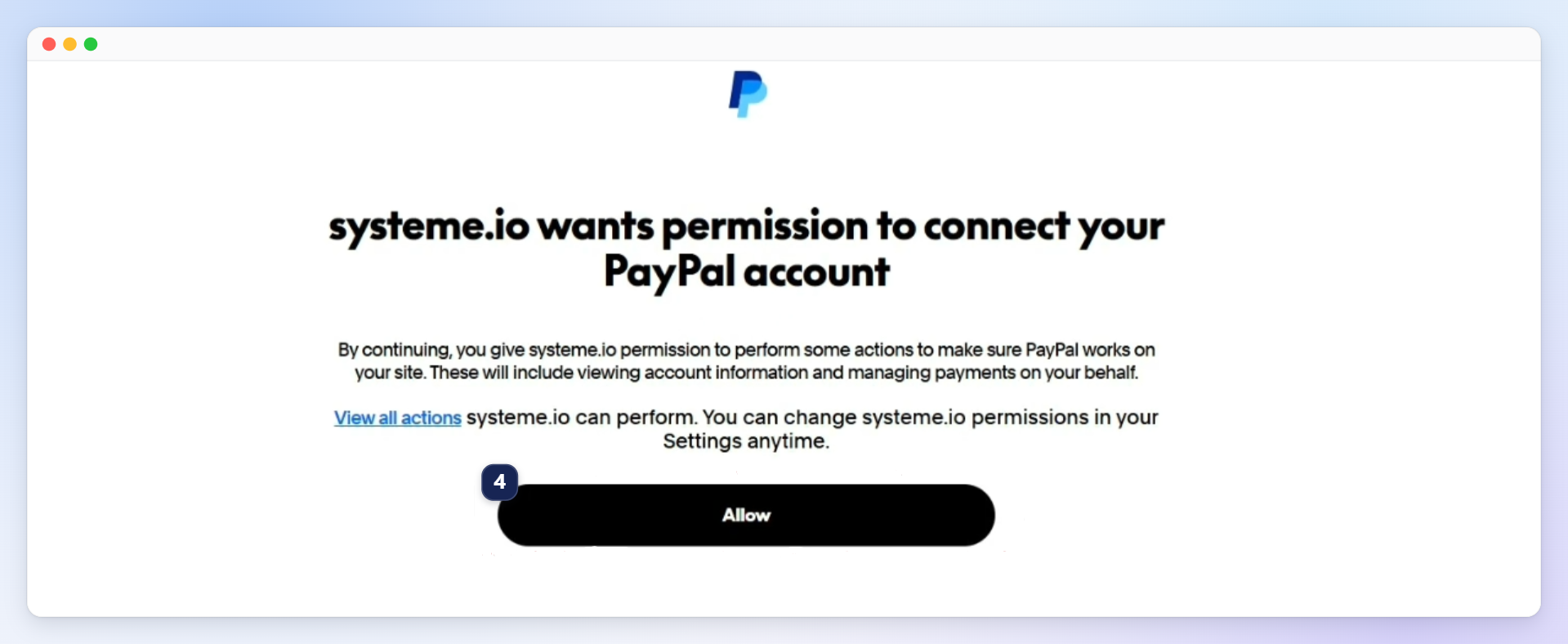
Once logged in, PayPal will display a permission screen asking you to authorize systeme.io to connect to your account. Click the Allow (4) button to grant permission.
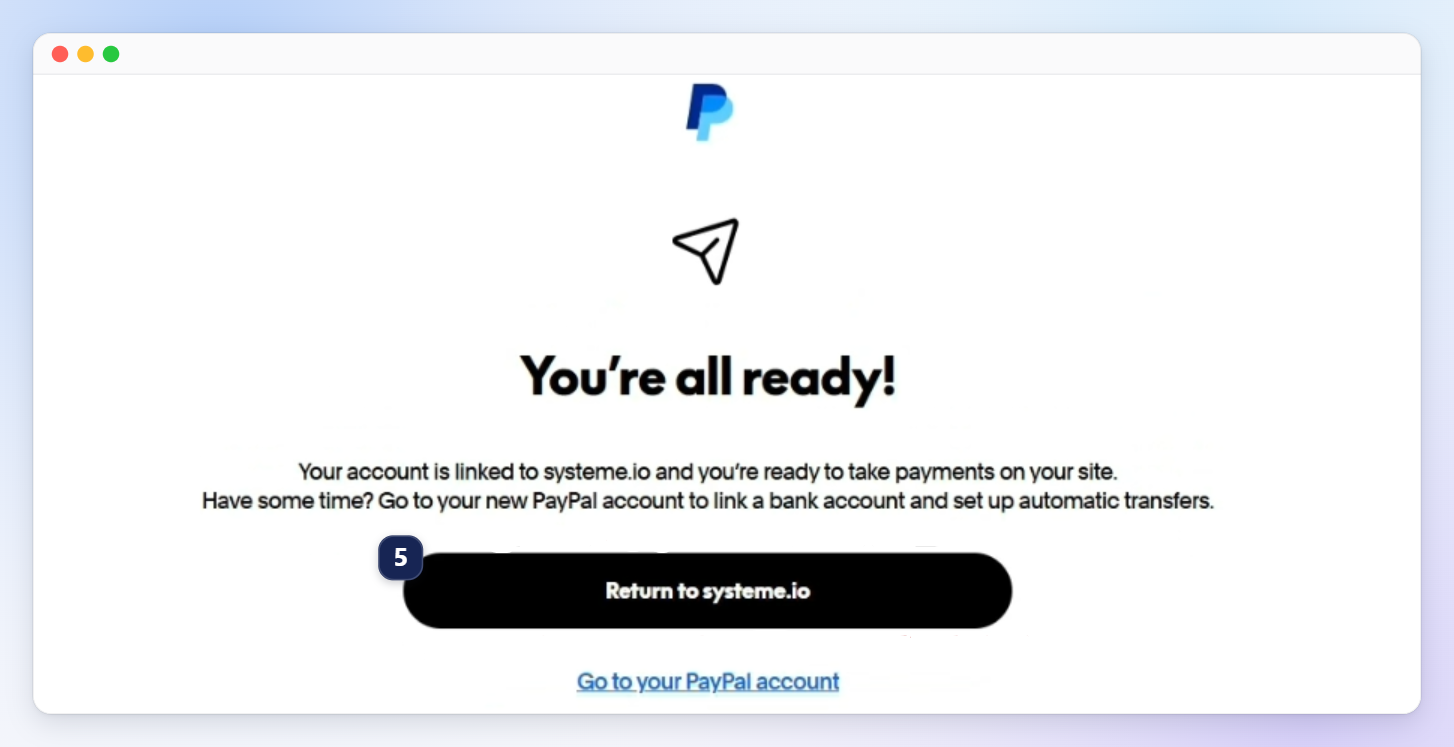
After you grant permission, PayPal will confirm that the connection is ready. Click on Return to systeme.io (5) to go back to your systeme.io account.
This process may take a few seconds. Once complete, click the information icon (6) to view your PayPal Merchant ID.
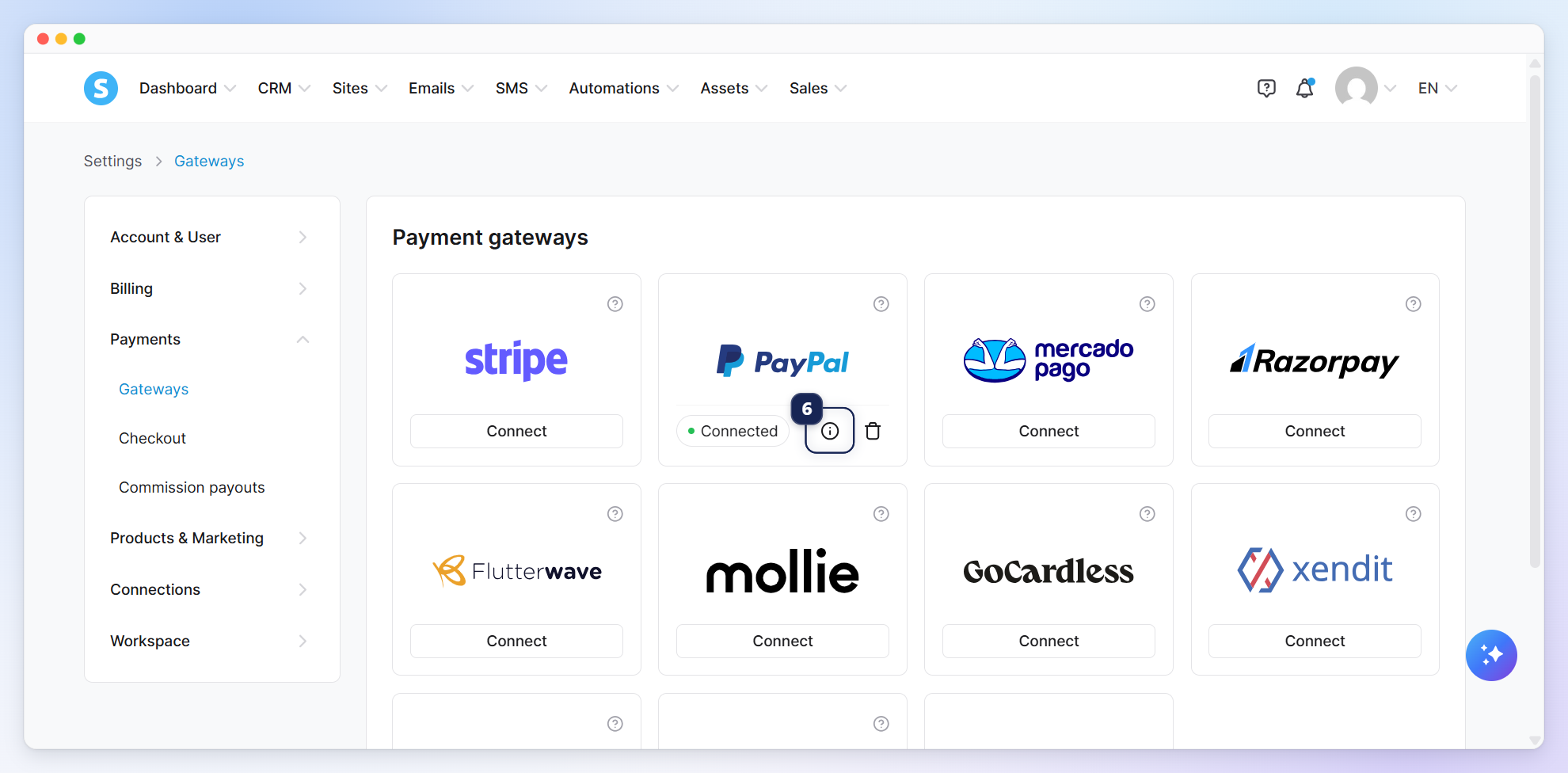
Your PayPal account is now fully integrated with systeme.io and ready to process payments!
2. Setting up your order forms for PayPal payments
To process payments through PayPal, you need to add the email (1), first name (2), and last name (3) fields to all of your order forms.
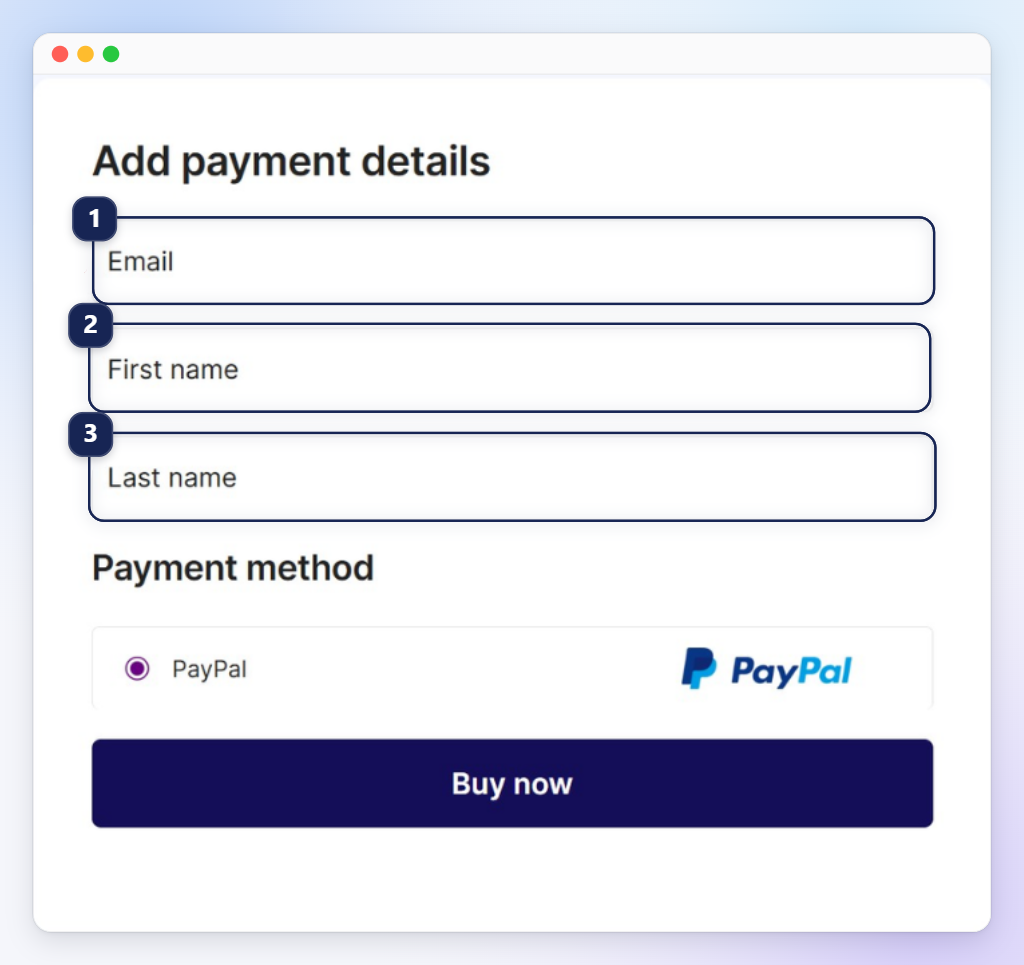
If any of these fields are missing from an order form, you must add them.
Note: If you connected your PayPal account to systeme.io using the old integration method (via API keys or IPN settings) and currently have active subscriptions, leave your existing configuration unchanged to avoid disrupting your current payments. The steps above apply only to the new, automated integration method.
3. Supported currencies
Before receiving payments, ensure your funnels and products are set up using one of the supported currencies for this gateway.
Supported buyers: Worldwide
Recurring payments (subscriptions): Yes
Supported currencies (25): AUD, BRL, CAD, CHF, CNY, CZK, DKK, EUR, GBP, HKD, HUF, ILS, JPY, MXN, MYR, NOK, NZD, PHP, PLN, RUB, SEK, SGD, THB, TWD, and USD.
Merchant restrictions: None.
Last updated on November 17, 2026