Loading
In this article, you'll learn how to modify the size of popups and the practical benefits of this flexibility.
1. Popup size and readability
You can adjust a popup's size to make its content easier to read and access on different devices and screen sizes. Choosing the right dimensions also helps ensure that the popup fits its content without appearing too small or taking up too much of the screen.
2. Changing a popup's size
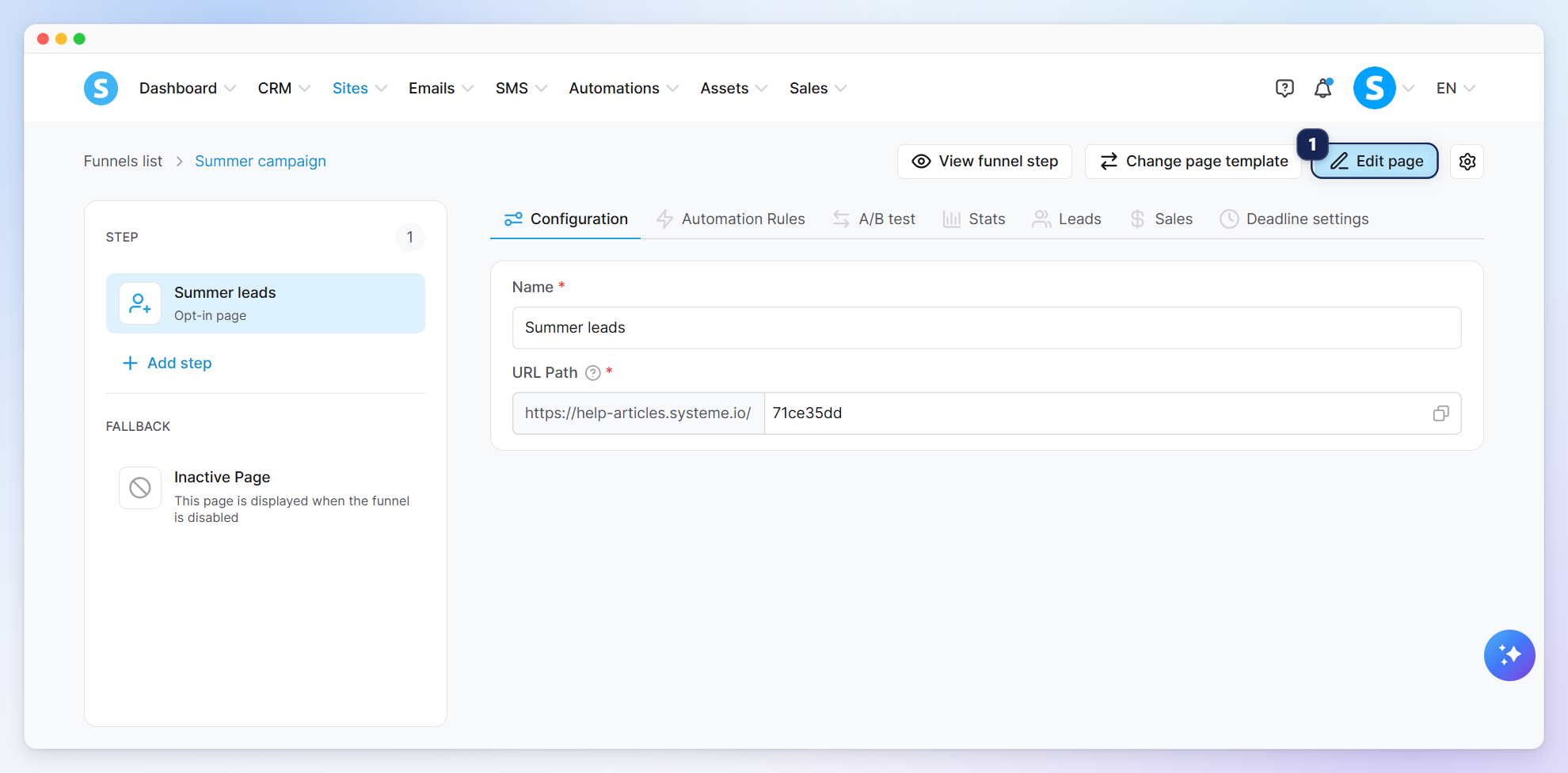
To get started, open the page editor by clicking Edit page (1).
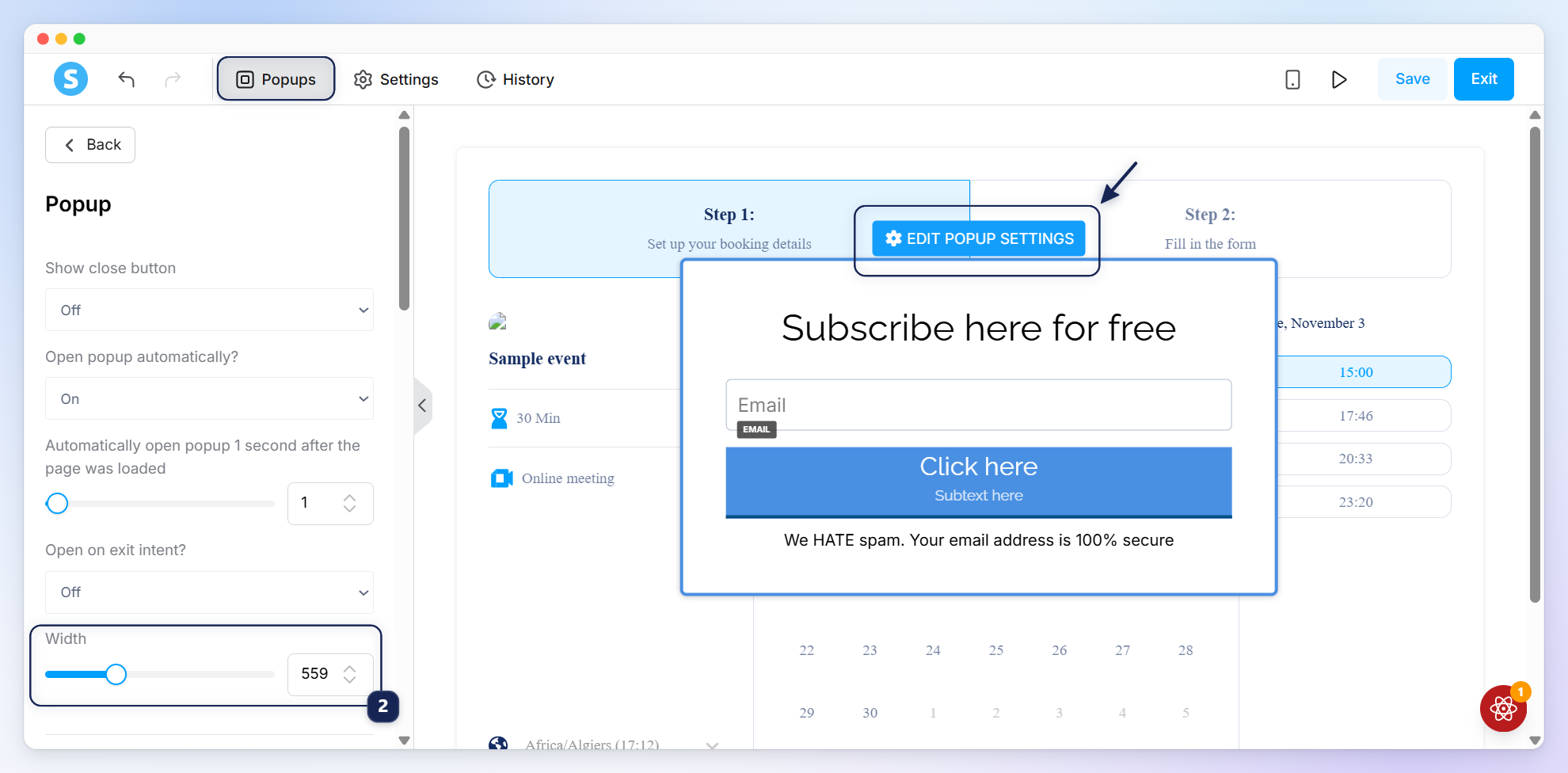
In the popup's settings, use the Width field (2) to adjust its size as needed.
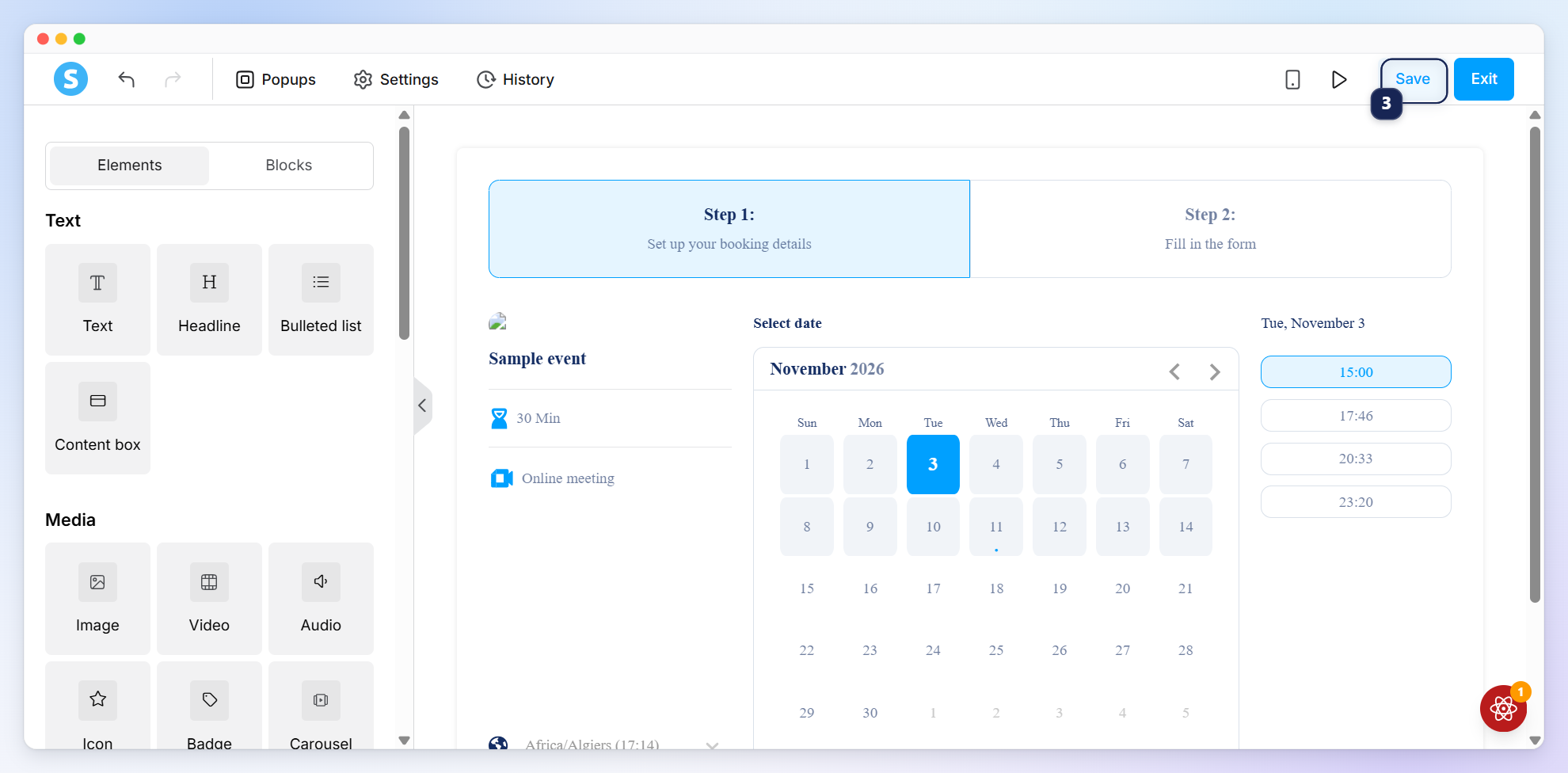
Click Save (3).