Loading
In this article, you will learn how to set up an A/B test using systeme.io.
To get started, you will need the following:
A systeme.io account
A sales funnel (see how to create a new funnel)
First, you will need to create two pages within the same funnel. These will be the two variants of your split test.
To create an A/B test between Variant A and Variant B, both pages must exist within the sales funnel.
You will also need to select a goal page for your A/B test in this funnel. The purpose of the Goal Page is to have a common page to which the variants in the A/B test lead.
Below is an example of creating an A/B test between two variations of Opt-in pages. Here are the steps we need to follow:
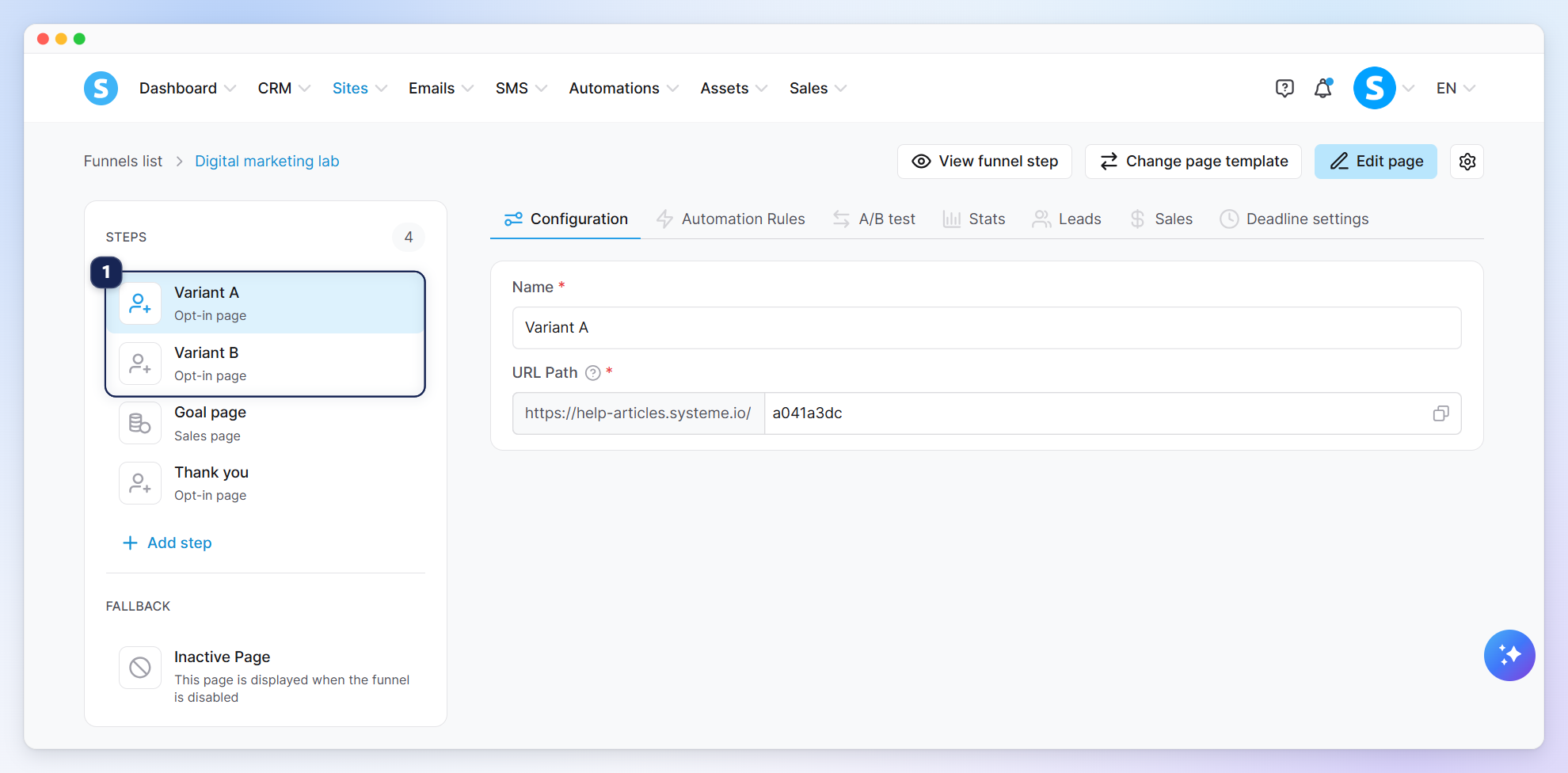
Create two opt-in pages in the same funnel (1). These will serve as the two variants for your test.
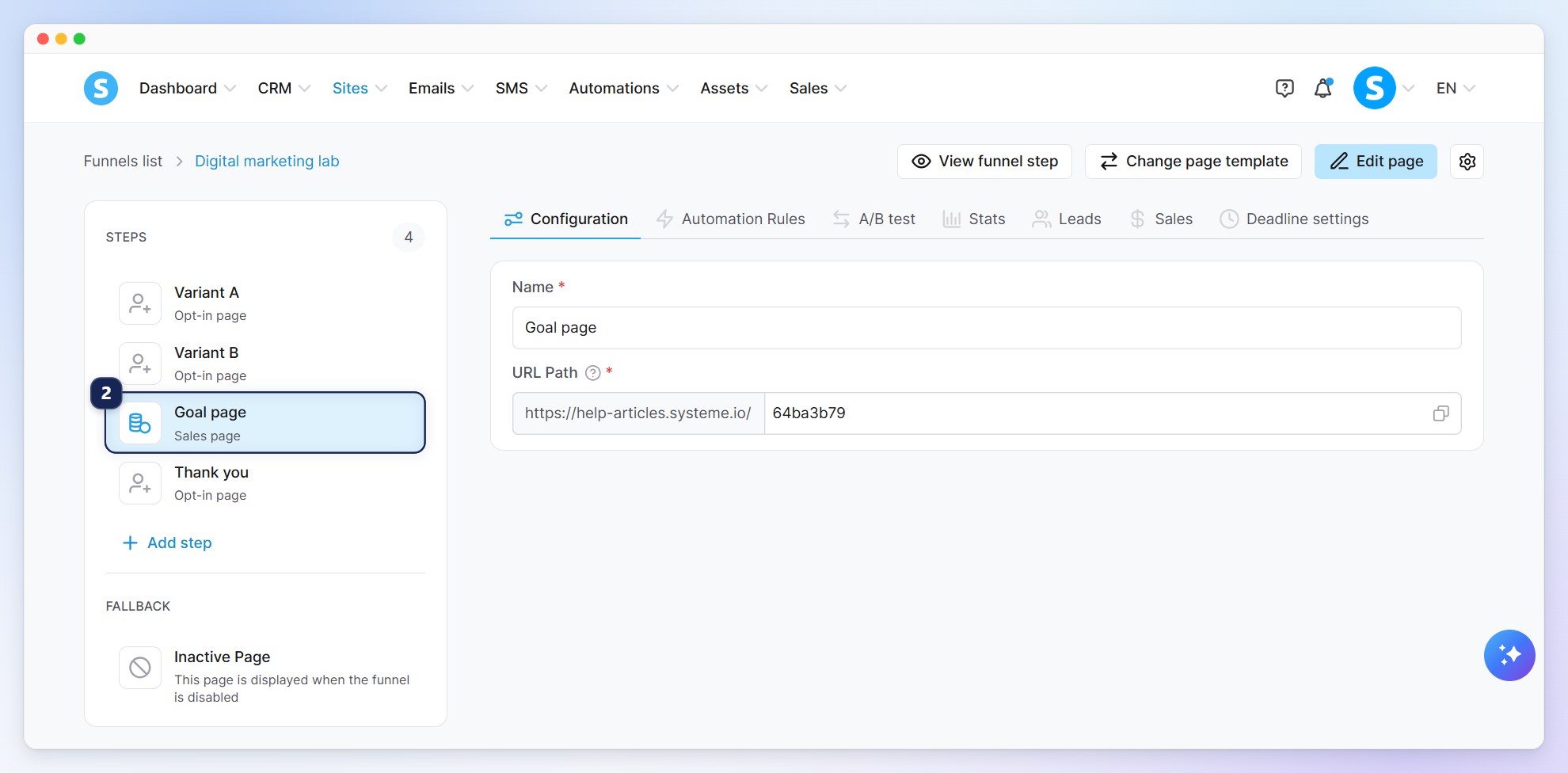
You need to configure a redirect to the goal page of your A/B test from the variant pages.
In this example, we have chosen to set up a sales page as the goal page (2).
For other types of pages, check out our dedicated help article: How to connect the various pages of a funnel
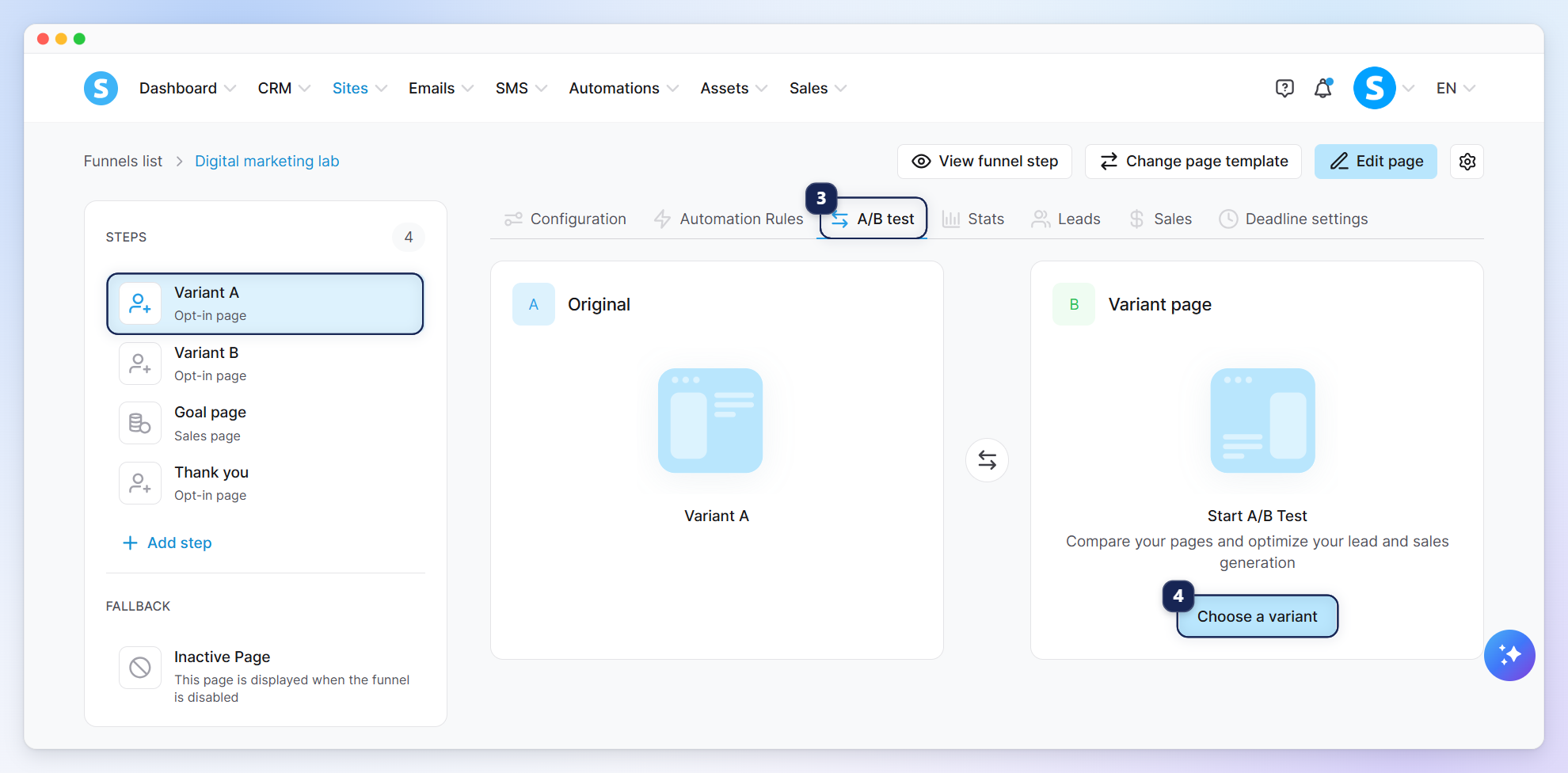
Click on the A/B test tab (3), then on Choose a variant (4).
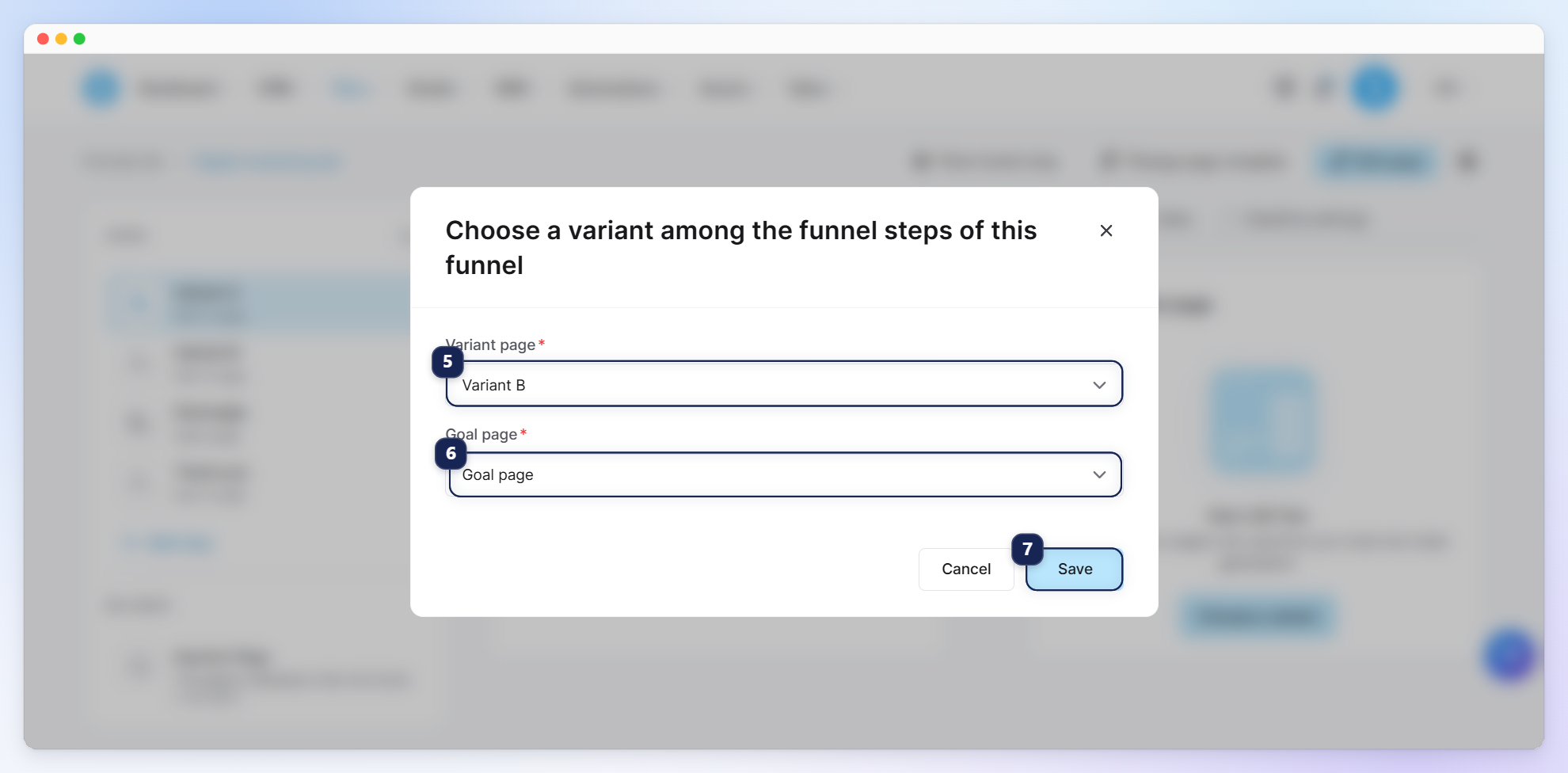
A popup will appear to choose two pages for the test:
Variant page: You must select the variant B page that variant A will compete against within the A/B test (5).
Goal page: Choose the page where leads will be redirected after opting in. This allows you to determine which variant is more efficient and converts better (6).
Click on Save (7).
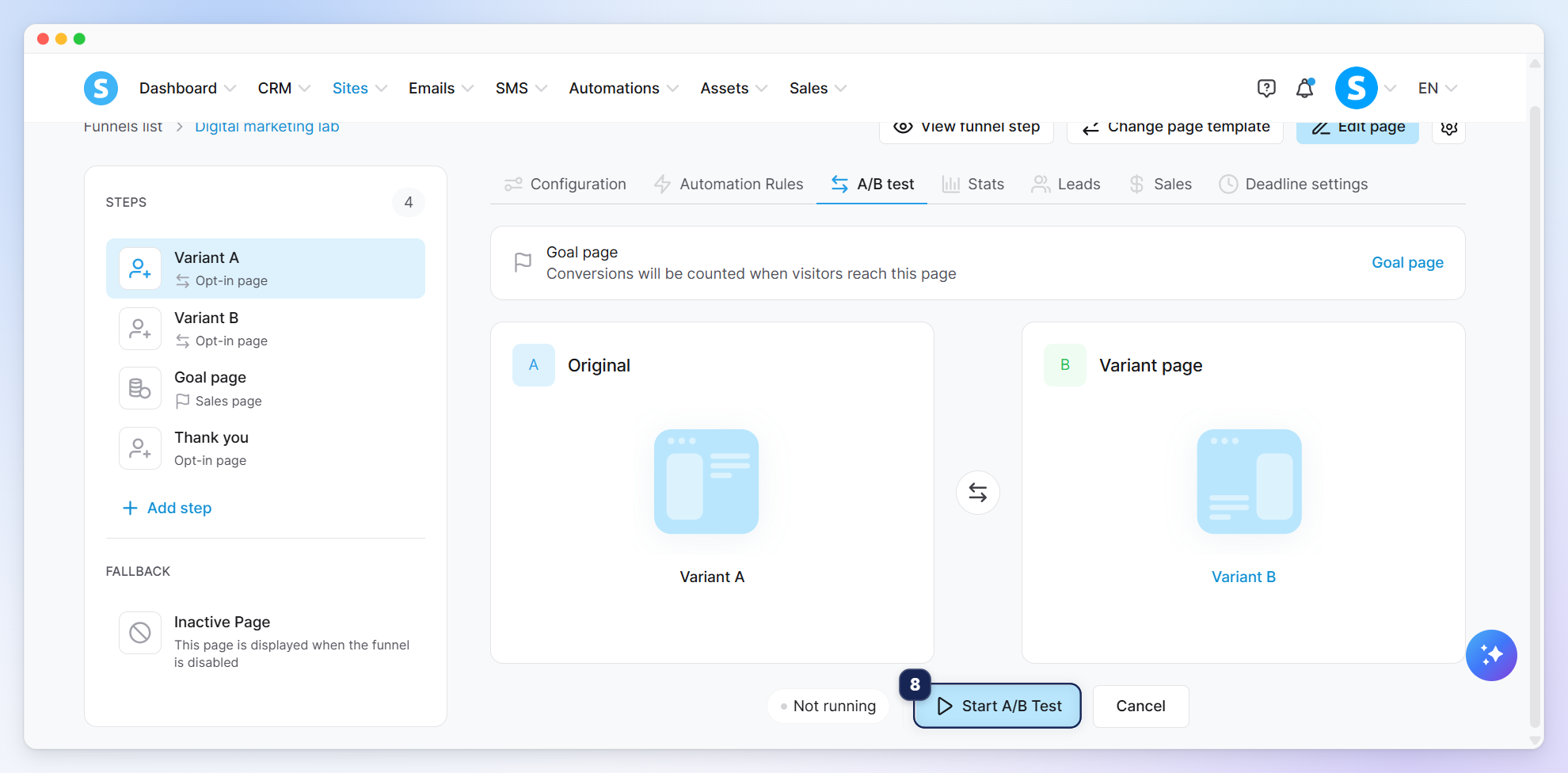
Click on Start A/B Test (8).
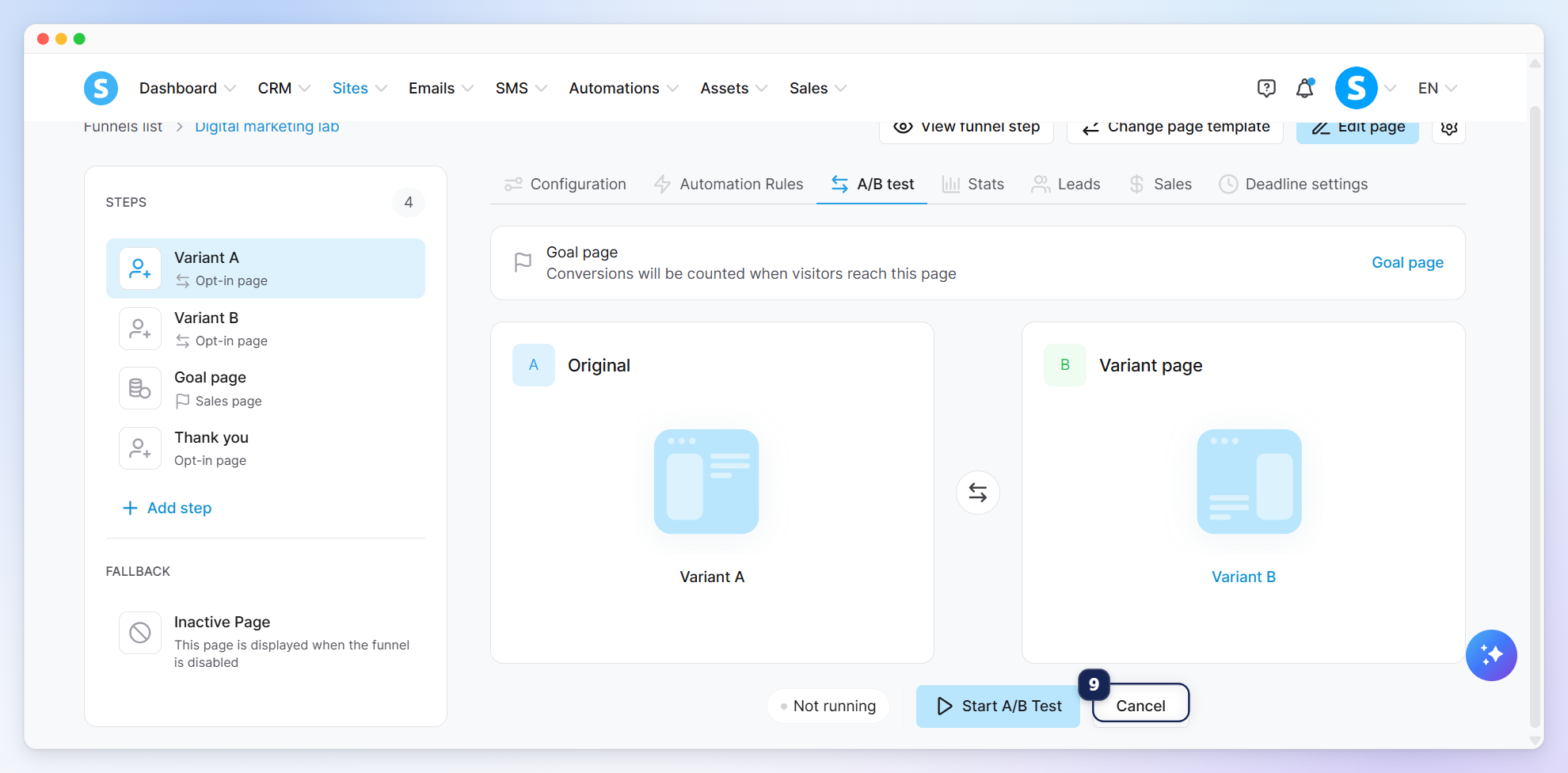
If you select the wrong variant, you can cancel the A/B test and start over (9).
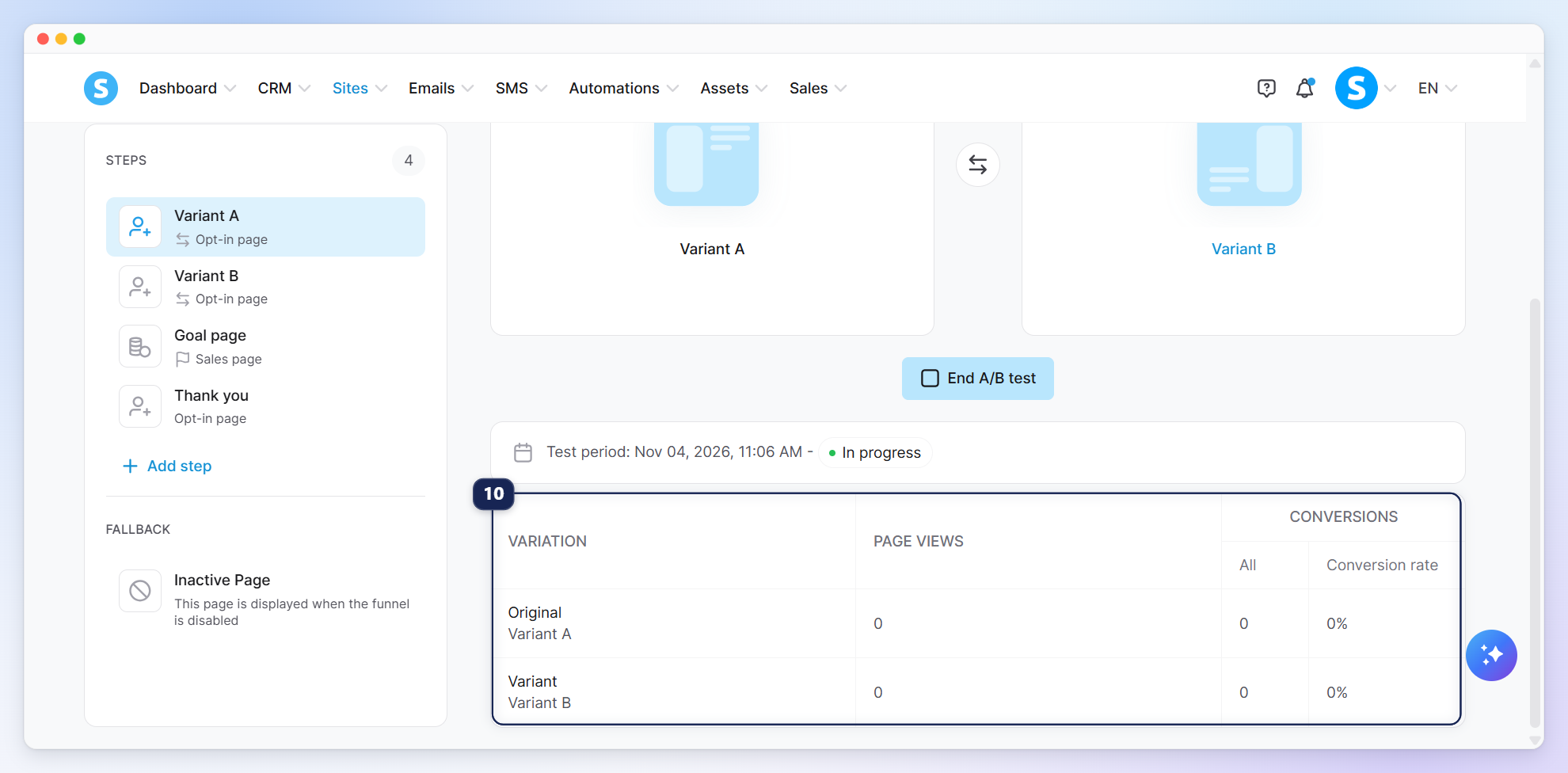
Once you've started the A/B test, you will see a statistics table that shows you the results of the test (10).
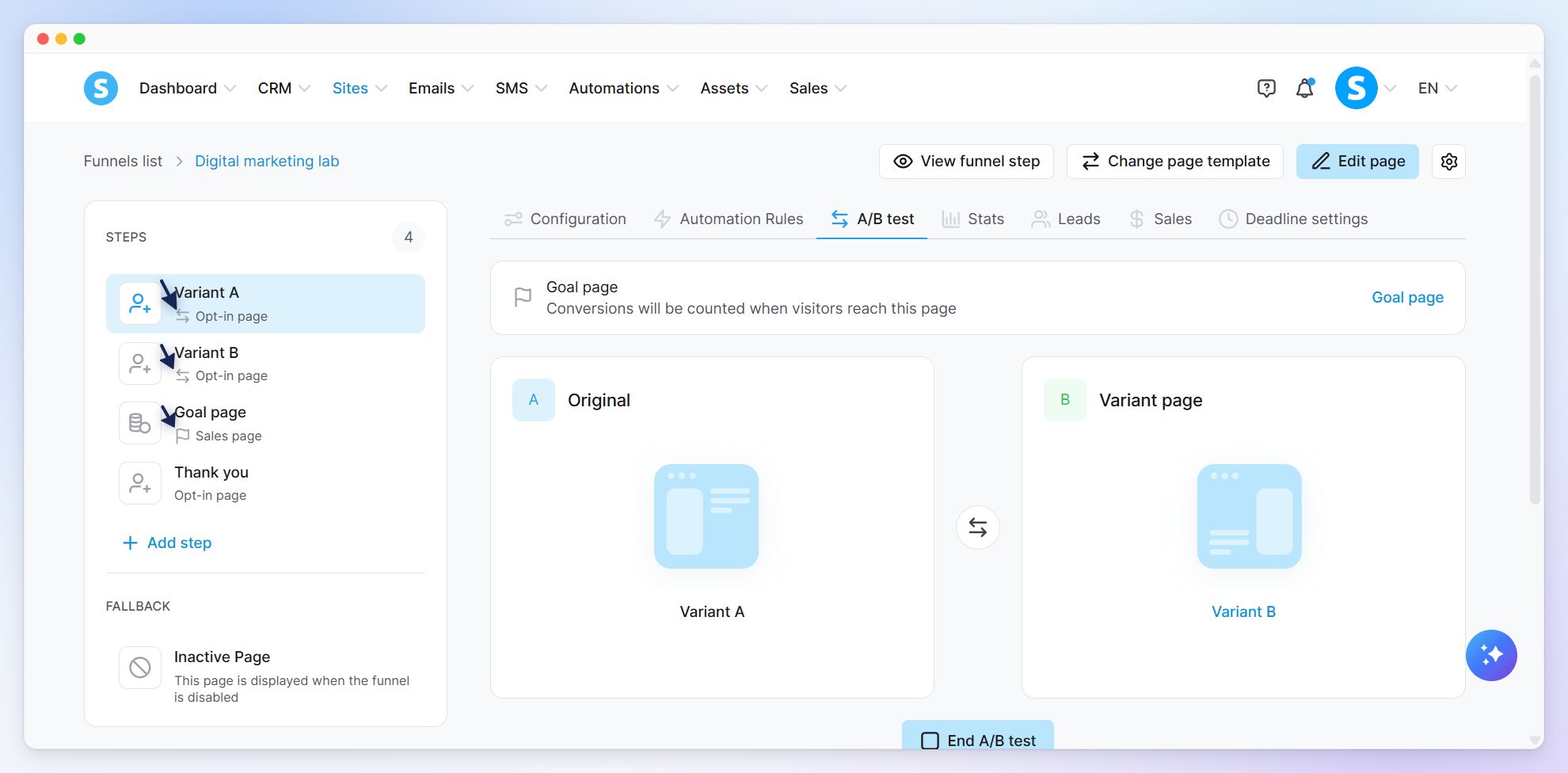
The pages of the A/B test will have an icon to differentiate them from other pages.
Notes:
Although pages in an A/B test can be duplicated, they cannot be deleted or moved to another funnel.
When previewing your funnel steps, A/B testing logic is automatically disabled. Clicking the "View funnel step" next to a variant will take you directly to that specific page's preview. This allows you to easily verify the design of Variant A or Variant B without confusion.