Loading
In this article, you will learn how to send an email sequence automatically using campaigns.
You will need:
A systeme.io account
A campaign (How to set up an email campaign)
A contact list
1. Creating an automation rule
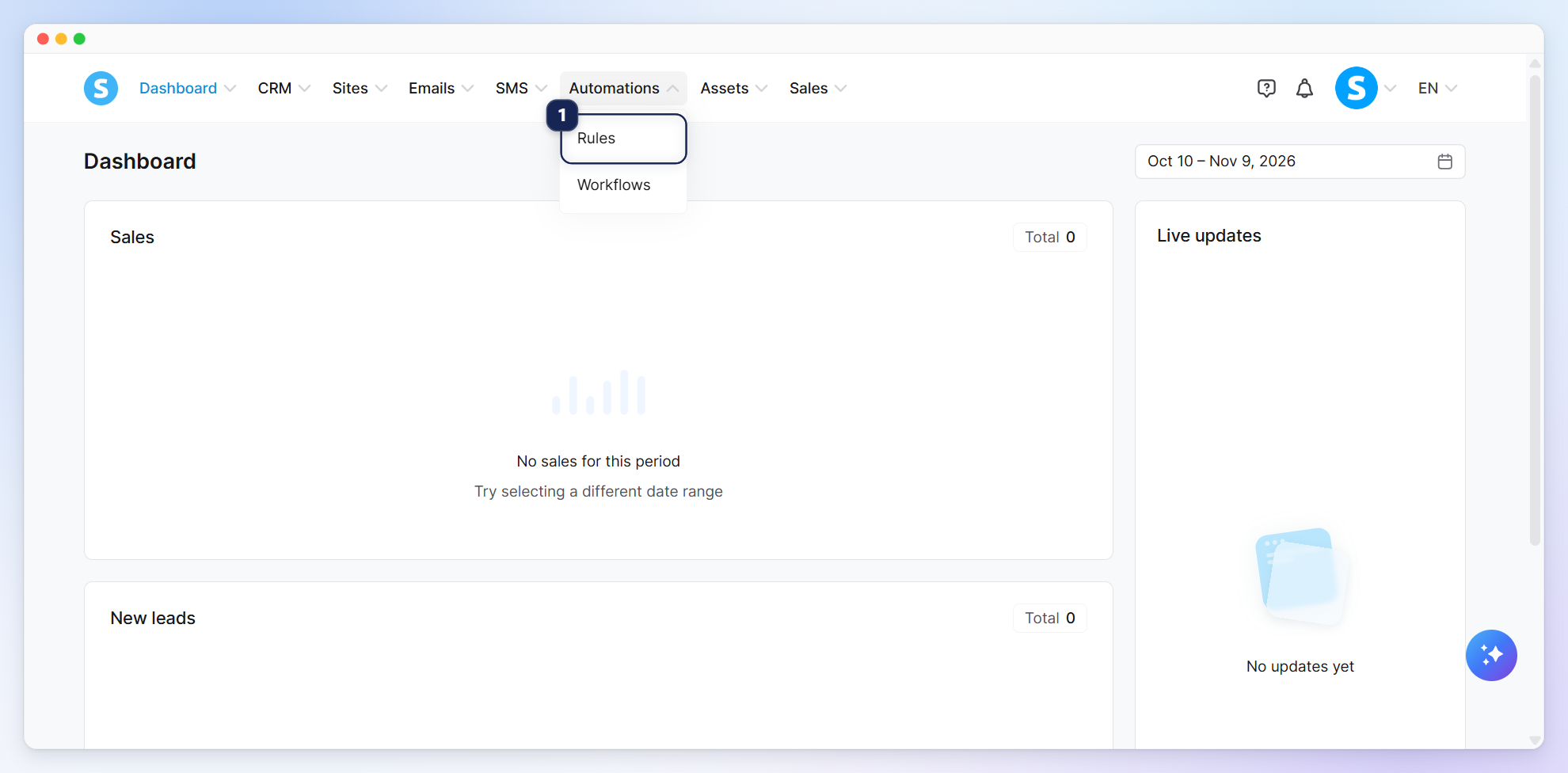
Click Rules (1) under the automations tab.
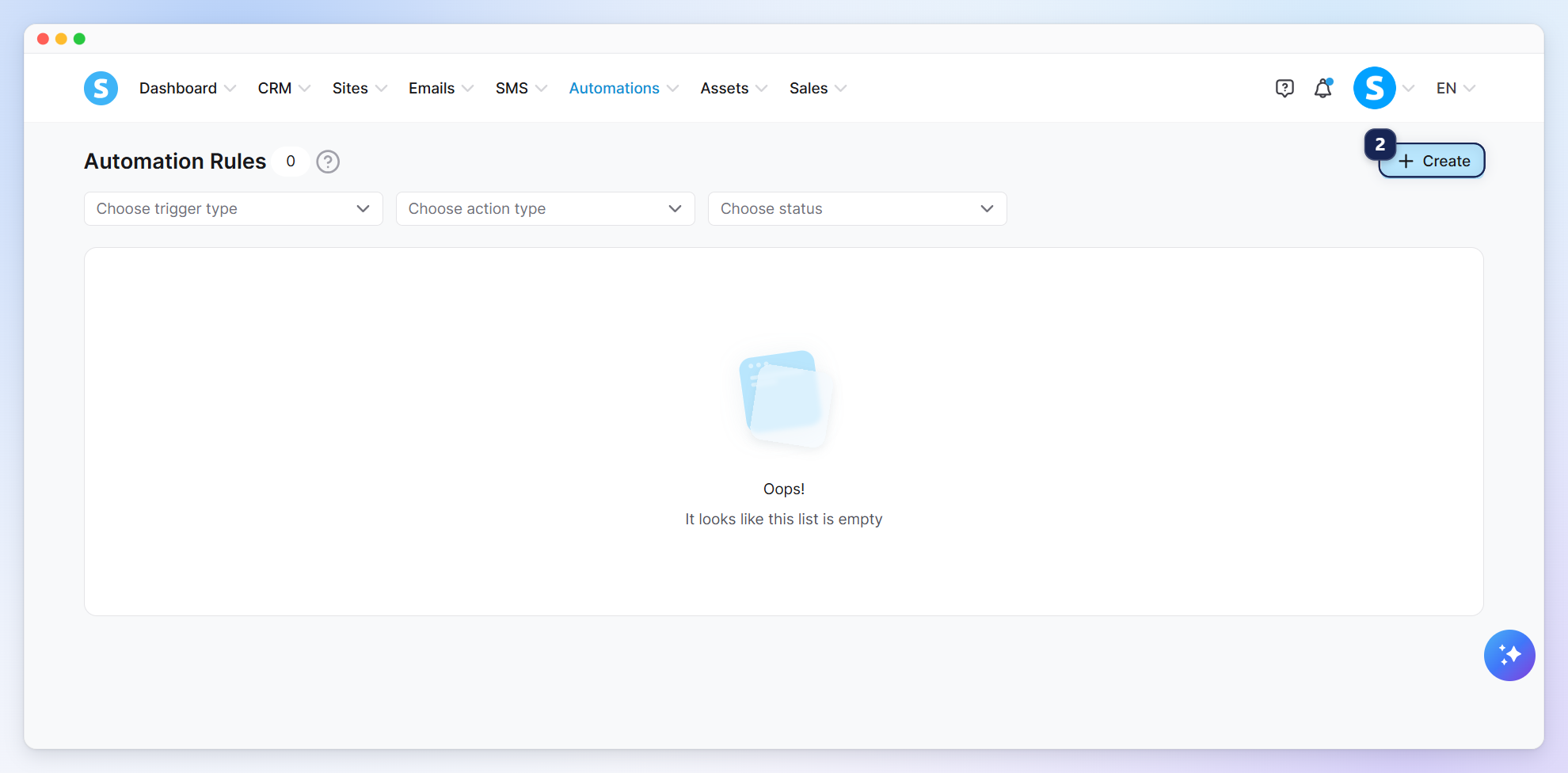
Click Create to add a new rule (2).
2. Adding a trigger to start the automation
The trigger is an event that specifies when to activate the automation rule.
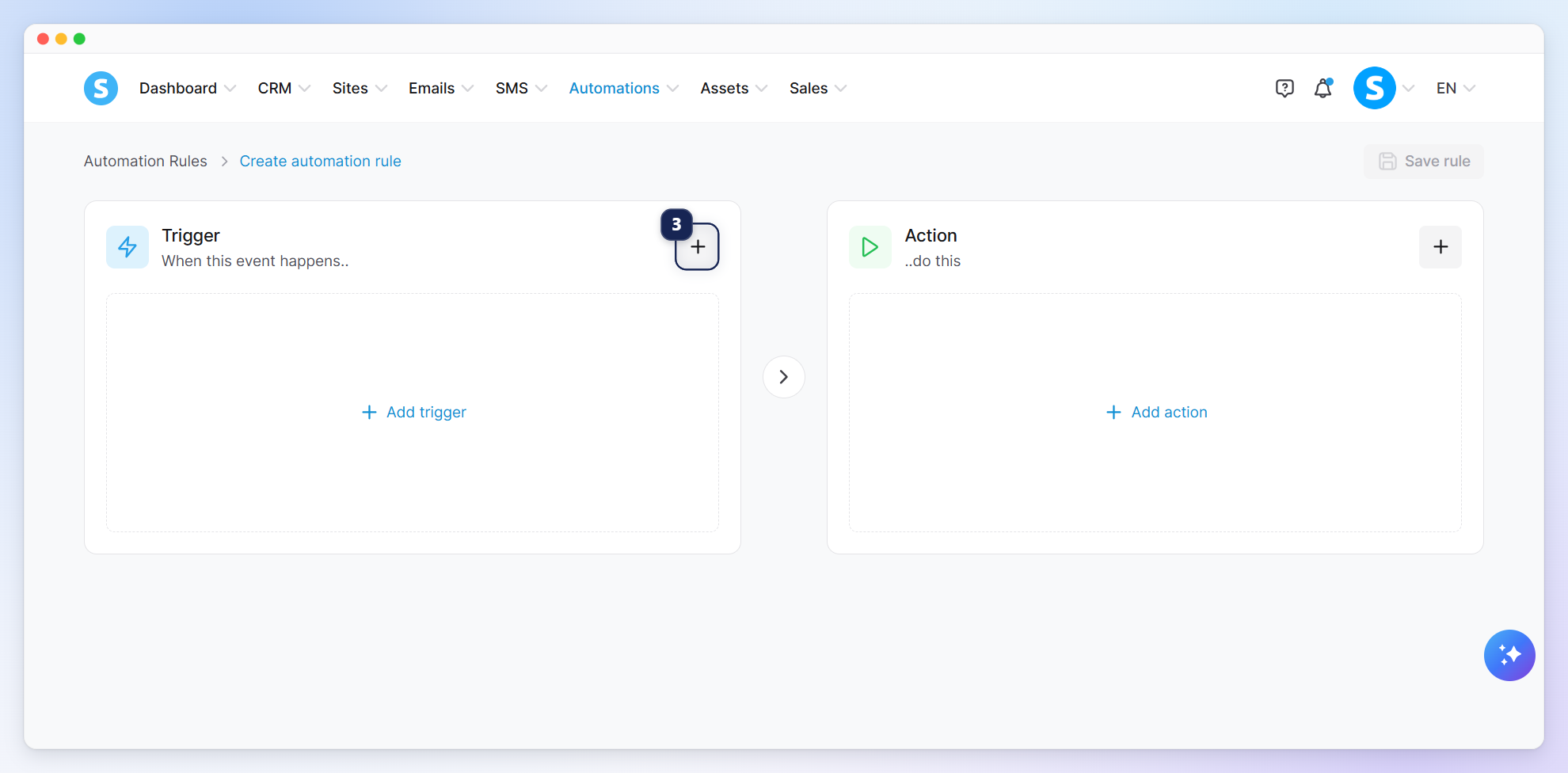
To select a trigger, click the + icon (3).
Select a trigger from the Add trigger list according to your use case.
Ask yourself, who should receive these emails?
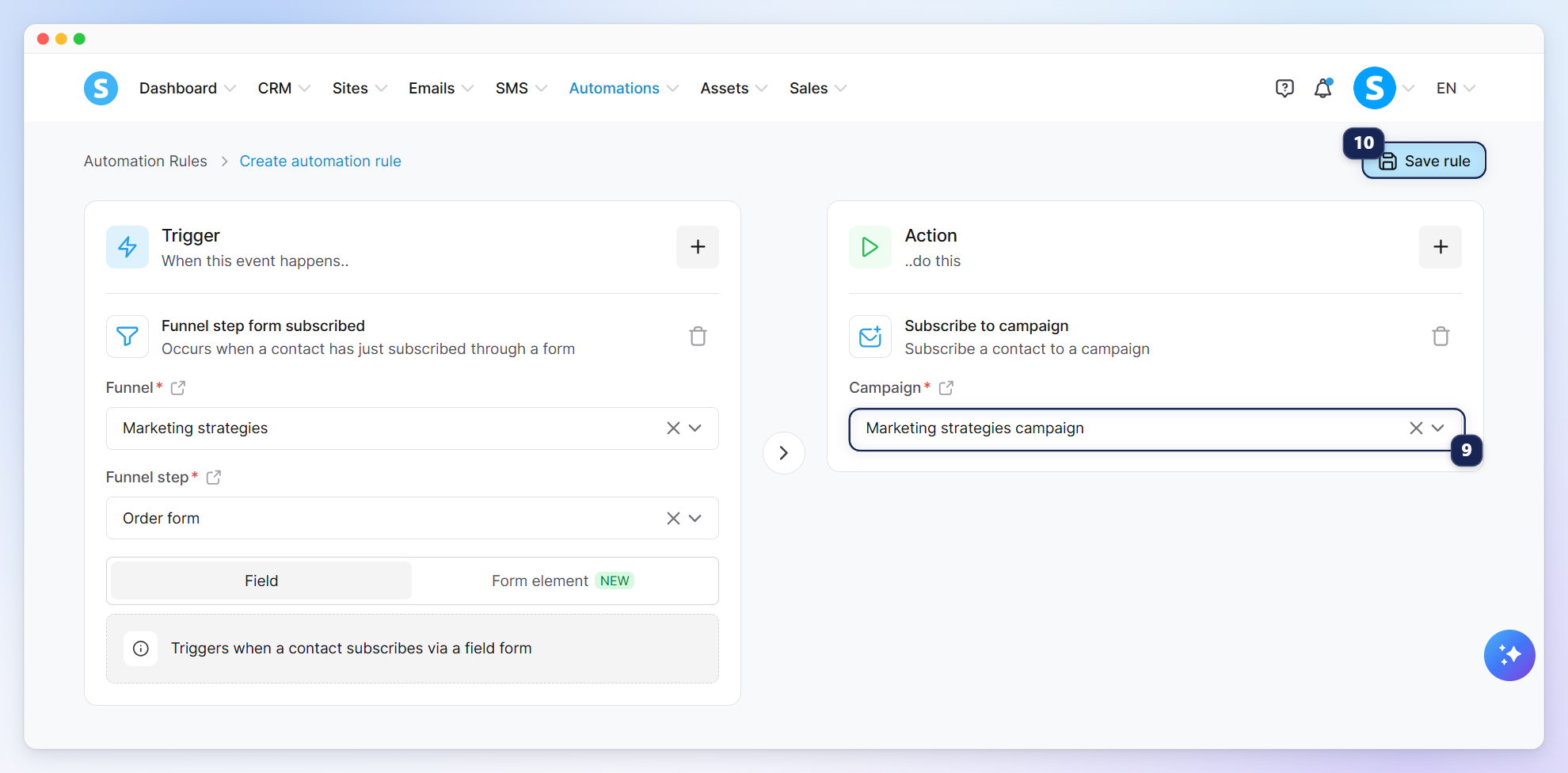
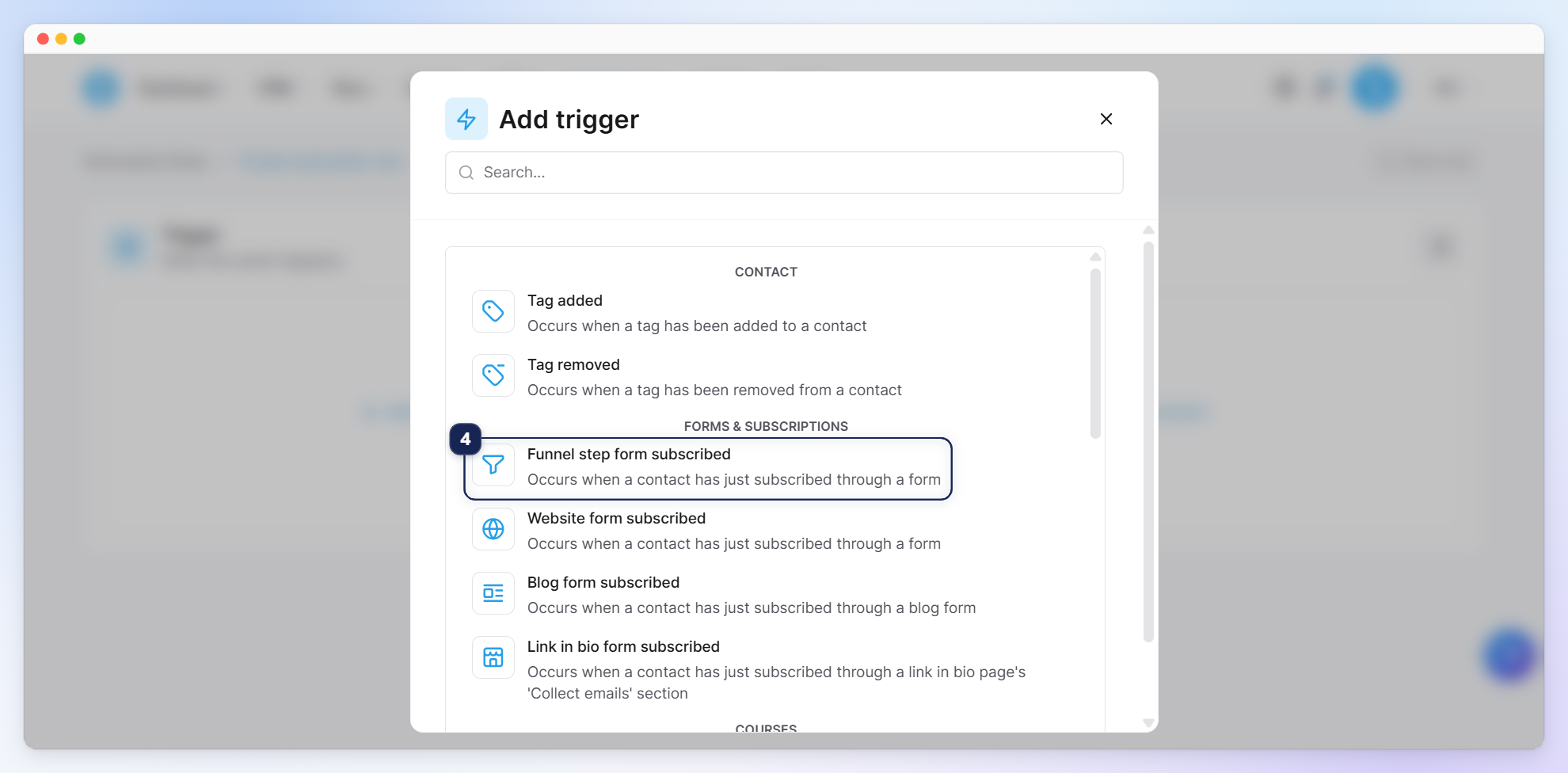
To send emails to prospects who register through an opt-in page, form, or popup, select Funnel step form subscribed (4), then select the page.
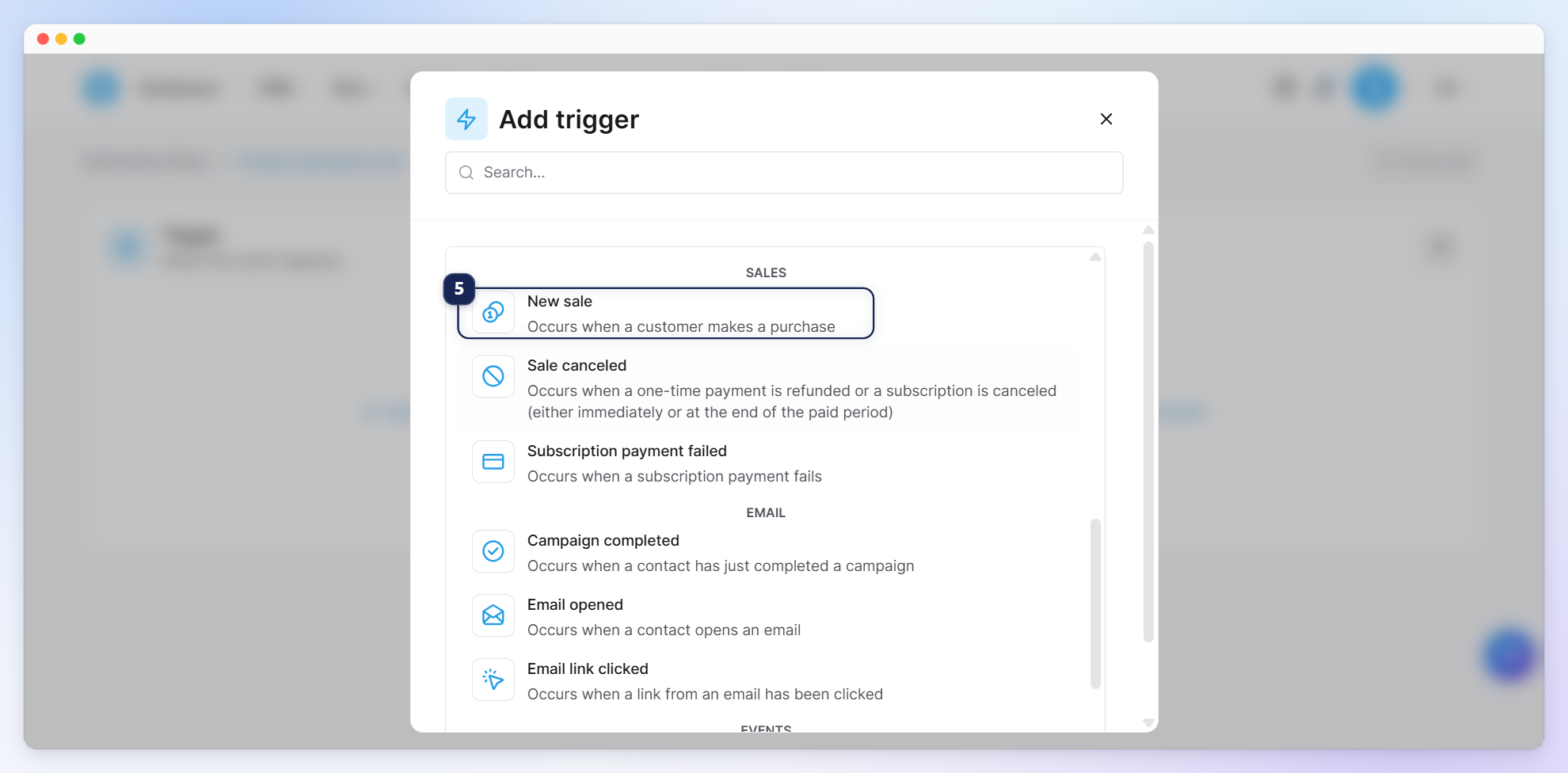
To send emails to customers who have purchased a product, select New sale (5).
To send emails to contacts who have been assigned a specific tag, select Tag added (6).
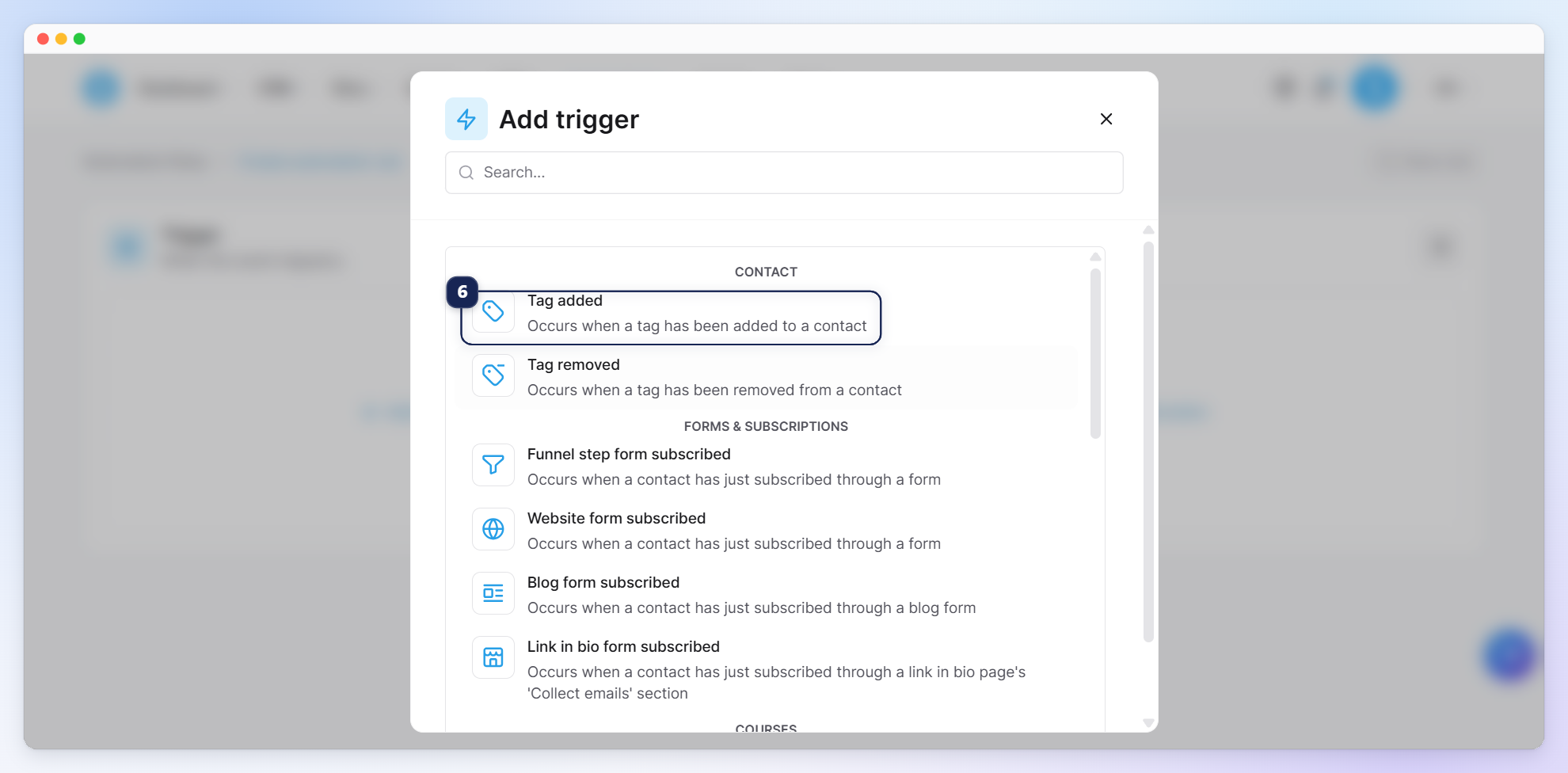
Note: The tag must be added to the contacts after the rule has been set.
3. Adding an action to subscribe to a campaign
Click the (+) button to add an action (7).
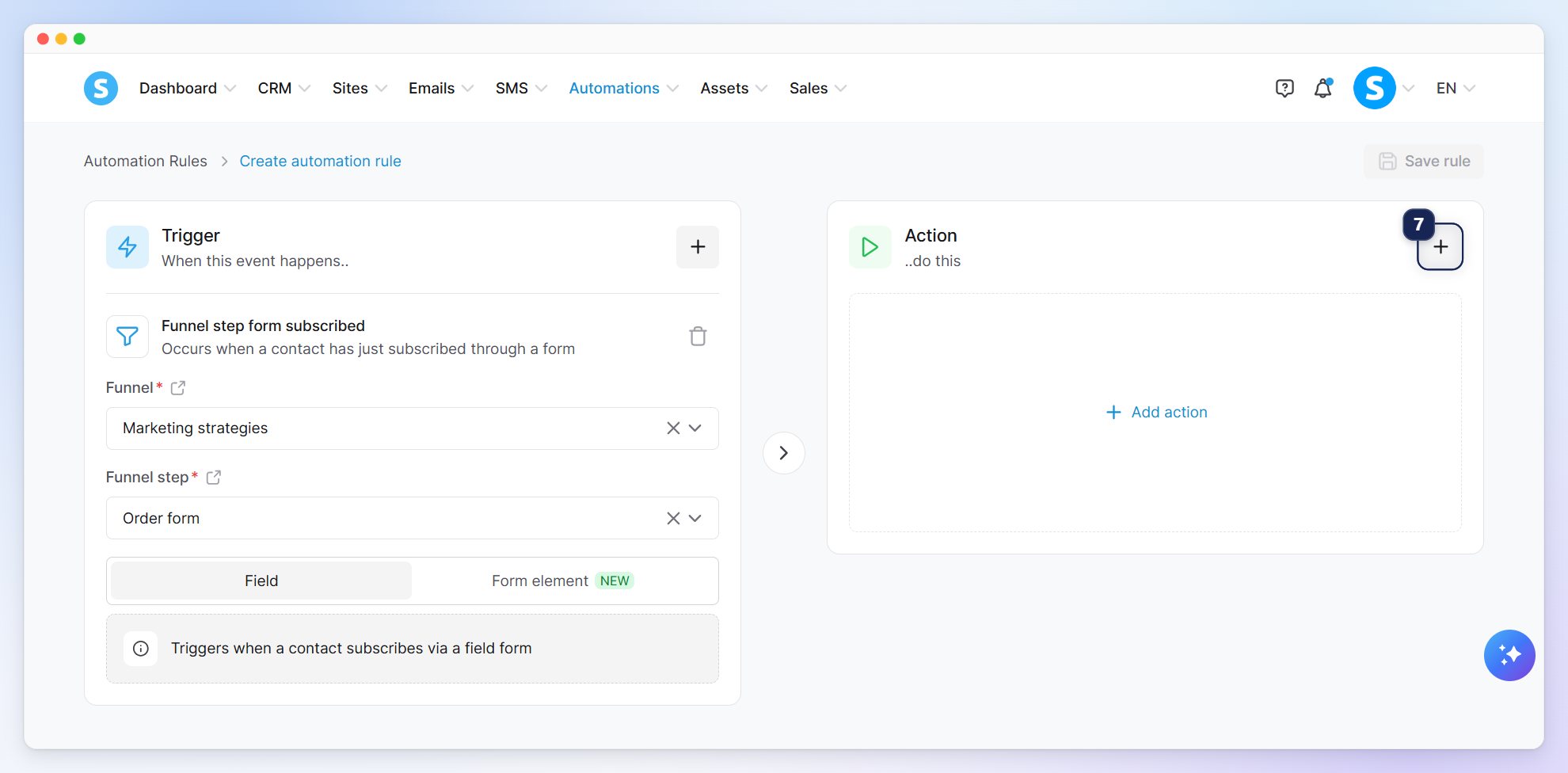
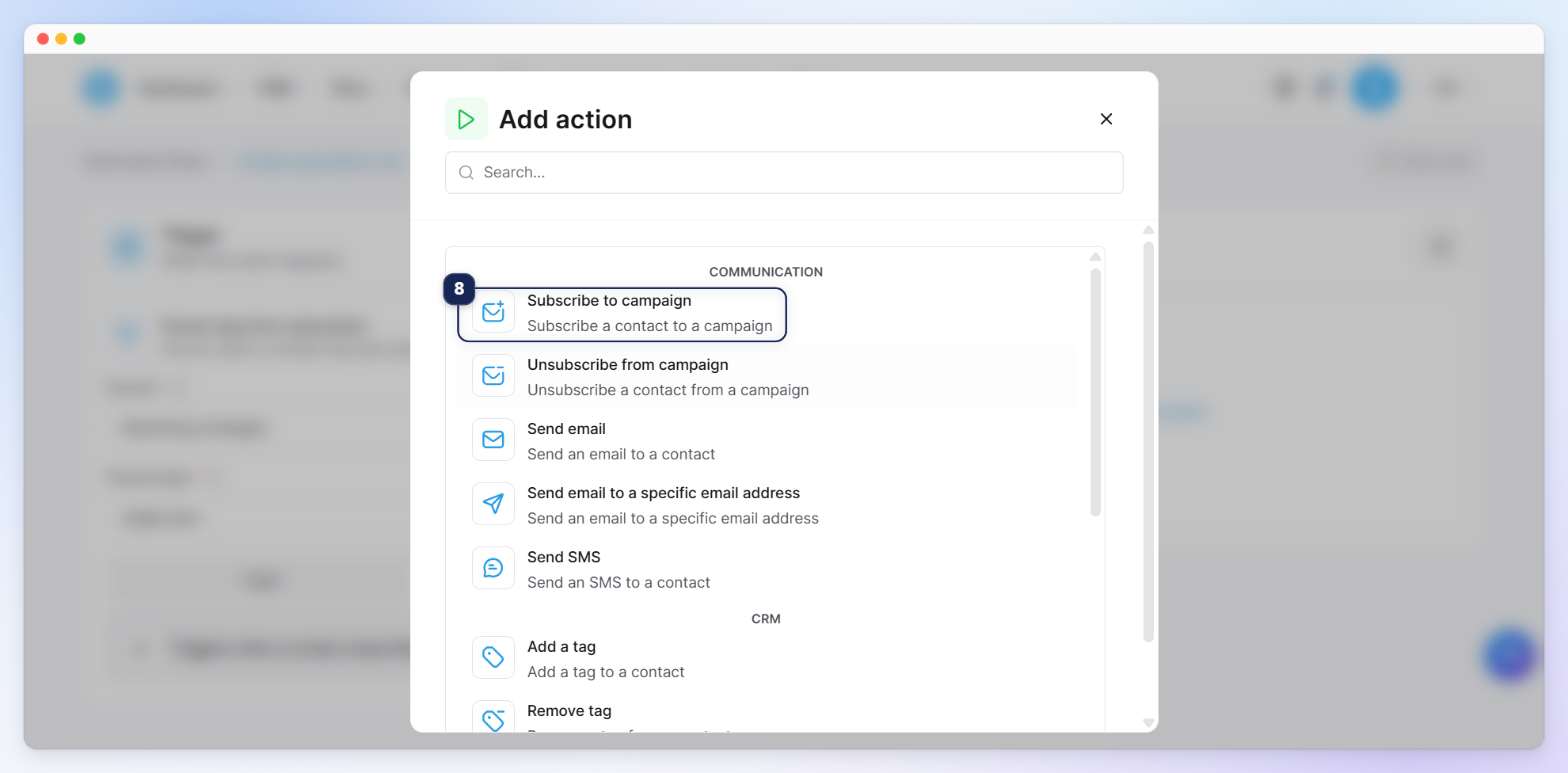
Select the Subscribe to campaign action (8).
Select your campaign (9), then click Save rule (10) in the top-right corner to save your changes.