English
What to do after a long period of not sending emails?
Haven't sent any emails in several weeks or months and want to resume your campaigns?
We recommend that you do not immediately resume sending at your usual volume.
After a long period of inactivity, your contacts might have changed their email addresses, forgotten about your business, or no longer wish to receive your communications. A sudden resumption of your email sends can lead to more bounces, spam complaints, and reports, which can negatively affect your deliverability.
I. Verifying the quality of your contacts
The older your list is, the more important it is to verify its quality before you start sending again.
A list that hasn't been contacted in a long time may contain:
Addresses that no longer exist
Professional addresses that have been deactivated
Addresses with errors
Contacts who no longer remember subscribing
Contacts who no longer wish to receive your communications
The first step is therefore to verify the validity and activity of your contacts.
1. The recommended method
The longer your period of inactivity, the more highly we recommend verifying the quality of your contacts.
Ideally, you should export your contacts so you can sort and segment them before resuming your campaigns.
You can specifically identify:
Your most recently subscribed contacts
Contacts who have recently interacted with your emails
Contacts who have never opened or clicked on your campaigns
Old or inactive addresses
Contacts whose origin or consent is no longer clearly identifiable
You can then re-import or segment the contacts based on their engagement level and begin your sends with your most active contacts.
The older and more inactive a contact is, the more cautious you should be before sending them emails again.
2. Importance of this step
An email address can become invalid over time.
For example, a professional email address may be deleted when a person leaves a company, or a personal address may no longer be used.
If you immediately send a campaign to an entire old list, you risk getting more hard bounces.
Repeated hard bounces can degrade your sender reputation and lead to more blocks or your emails being sent to the spam folder.
This can also happen with contacts who no longer remember your business or who no longer wish to receive your communications.
II. Prioritizing your most active contacts
If you have enough data to identify the engagement level of your contacts, we recommend starting with the most active ones.
For example:
Priority 1: Active contacts
Contacts who have recently:
Opened an email
Clicked a link
Purchased a product
Interacted with your business
Joined your list
Priority 2: Less active contacts
Contacts who haven't interacted recently but have a history of activity with your business.
Priority 3: Very old or inactive contacts
Contacts who haven't interacted in a long time or whose origin is uncertain.
Avoid starting your resumption with your oldest and least engaged contacts.
III. Two possible methods
Depending on the quality of your list and the information you have available, you can choose between two approaches.
1. Option A: Export, sort, and segment your contacts (our highly recommended approach)
Export your list, then identify the contacts you want to keep for your initial sends. You can then start with your segment of the most active contacts.
This method allows you to start fresh on a healthier foundation and limits the risks associated with old addresses.
Example:
You have a list of 20,000 contacts after several months without sending any emails. Rather than sending to all 20,000 contacts immediately:
Export your list (How to import or export a contact list)
Identify your most active contacts
Create an initial segment using tags (How to automatically and manually add tags to your contacts)
Send your campaign to this segment
Analyze the results
Gradually expand your audience if the results are satisfactory
During the identification stage, you can also clean your contact list using dedicated tools to remove invalid email addresses. There are free solutions suitable for small lists or one-off checks, as well as paid solutions that are generally more comprehensive and suited for large volumes. These tools specifically allow you to identify invalid addresses, non-existent domains, inactive inboxes, or certain high-risk emails. Cleaning your list beforehand helps reduce the number of hard bounces and limits the negative impact on your sender reputation.
2. Option B: Keep your list and resume progressively
If you want to keep your entire list, we recommend resuming your sends progressively.
Do not jump immediately from zero to your usual volume.
Example:
If your usual volume is 10,000 emails per day, you can start with a lower volume and then gradually increase it, for example:
Day | Volume |
|---|---|
Day 1 | 1,000 |
Day 2 | 2,000 |
Day 3 | 3,000 |
Day 4 | 5,000 |
Day 5 | 7,000 |
Day 6 | 10,000 |
This example is for illustrative purposes only.
The pace of resumption should depend on your usual volume, the size of your list, and most importantly, the results obtained during the resumption.
Pro tip: Do not increase your volume simply because the target number for the next day has been reached. Always check the performance of the previous send first.
IV. Monitoring your results at each step
During your resumption, closely monitor the results of your campaigns. The main metrics to track are:
1. The bounce rate: A significant increase may indicate that your list contains too many invalid or outdated addresses.
2. Spam complaints: An increase in complaints is a major red flag.
This can specifically indicate that your contacts no longer recognize your communications or no longer wish to receive them.
Remember to track this metric on Google Postmaster Tools for Google email addresses; do not rely solely on the data in the statistics dashboard of your systeme.io account.
3. Email provider rejections: An increase in rejections or errors can indicate that there is an issue with your volume or the quality of your sends.
4. Engagement: You should also monitor opens and clicks to verify that your contacts are still interested in your communications.
V. What to do if your results degrade?
If you notice a significant increase in bounces, complaints, or rejections, stop increasing your volume.
We recommend that you:
Reduce your sending volume
Prioritize your most engaged contacts
Verify the quality of your list
Identify any problematic contact sources
Resume progressively only when your results stabilize
Warning: Do not try to compensate for a bad result by sending more emails. Increasing your volume can magnify the problem.
VI. Mistakes to avoid
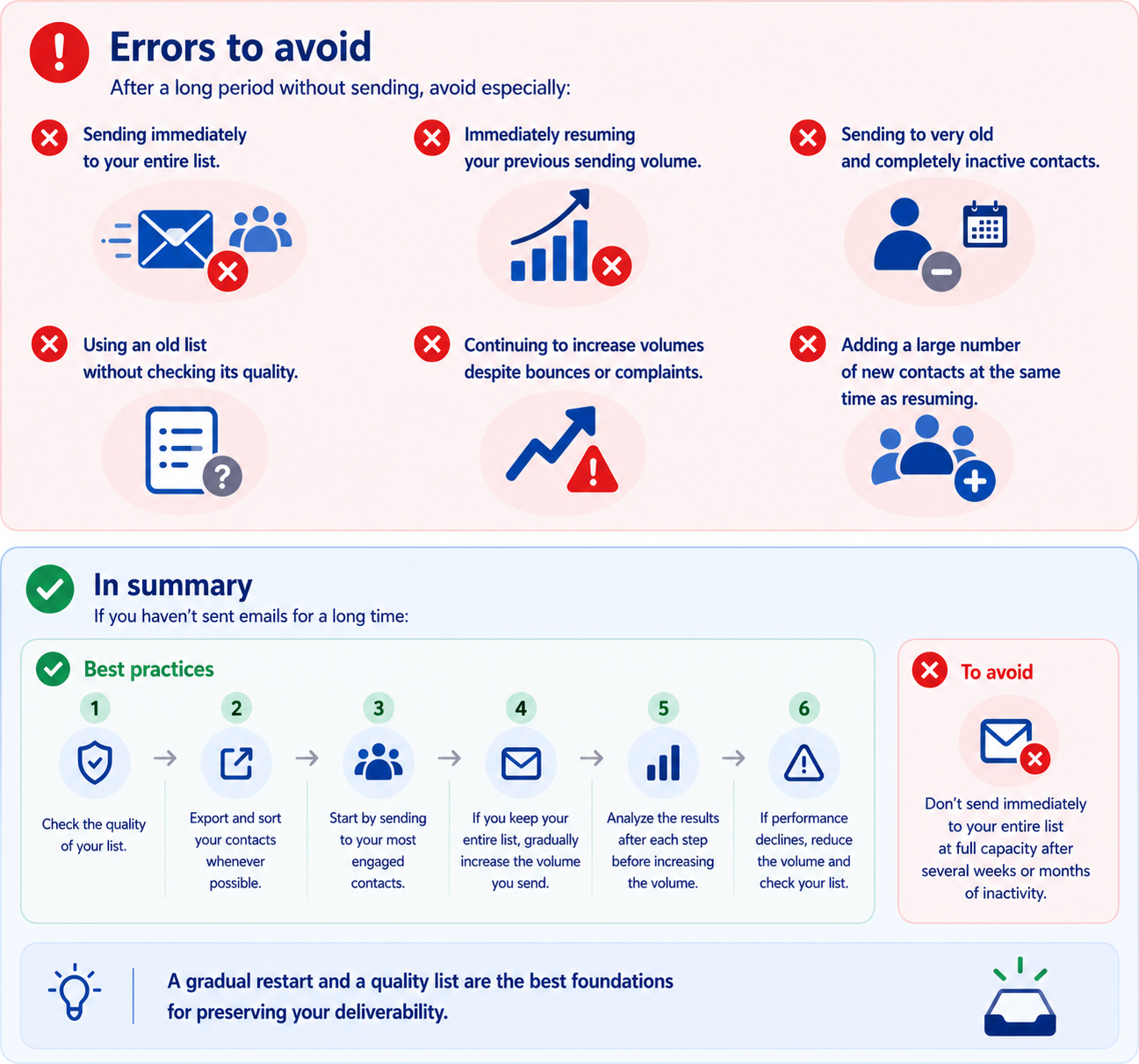
After a long period without sending any emails, you should specifically avoid:
Sending immediately to your entire list;
Directly resuming your old sending volume;
Sending to very old and completely inactive contacts;
Using an old list without verifying its quality;
Continuing to increase volumes despite a rise in bounces or complaints;
Adding a large quantity of new contacts at the exact same time you resume sending.
VII. Summary
After a long period without sending emails, the best approach is to:
1. Verify your list: Export your contacts and identify old, inactive addresses, or those whose validity is uncertain.
2. Segment your contacts: Ideally, start with your most active and engaged contacts.
3. Resume progressively: Do not send to your entire database immediately.
4. Monitor your results: Check bounces, complaints, rejections, and engagement after each step.
5. Increase volumes only if the results remain good.
6. Slow down or stop the progression if the metrics degrade.
Key takeaway: After a long period of inactivity, the most important thing is not to quickly return to your old sending volume, but to progressively regain good sending quality and positive engagement from your recipients.
Last updated on October 19, 2026
Related articles
- How to create a Google Postmaster Tool account for your domain
- How to improve the deliverability of my emails (advanced tips)
- General guidelines and best practices for email deliverability during the first few days
- Understanding and managing email bounce on systeme.io
- Google Postmaster Tools: an ally for your deliverability