Details about the fields required when creating a blog category
In this article, you will learn in detail where the fields that are entered during the creation of a blog category will appear.
To create a category, navigate to the Categories section on your blog (1), then click on Create (2).
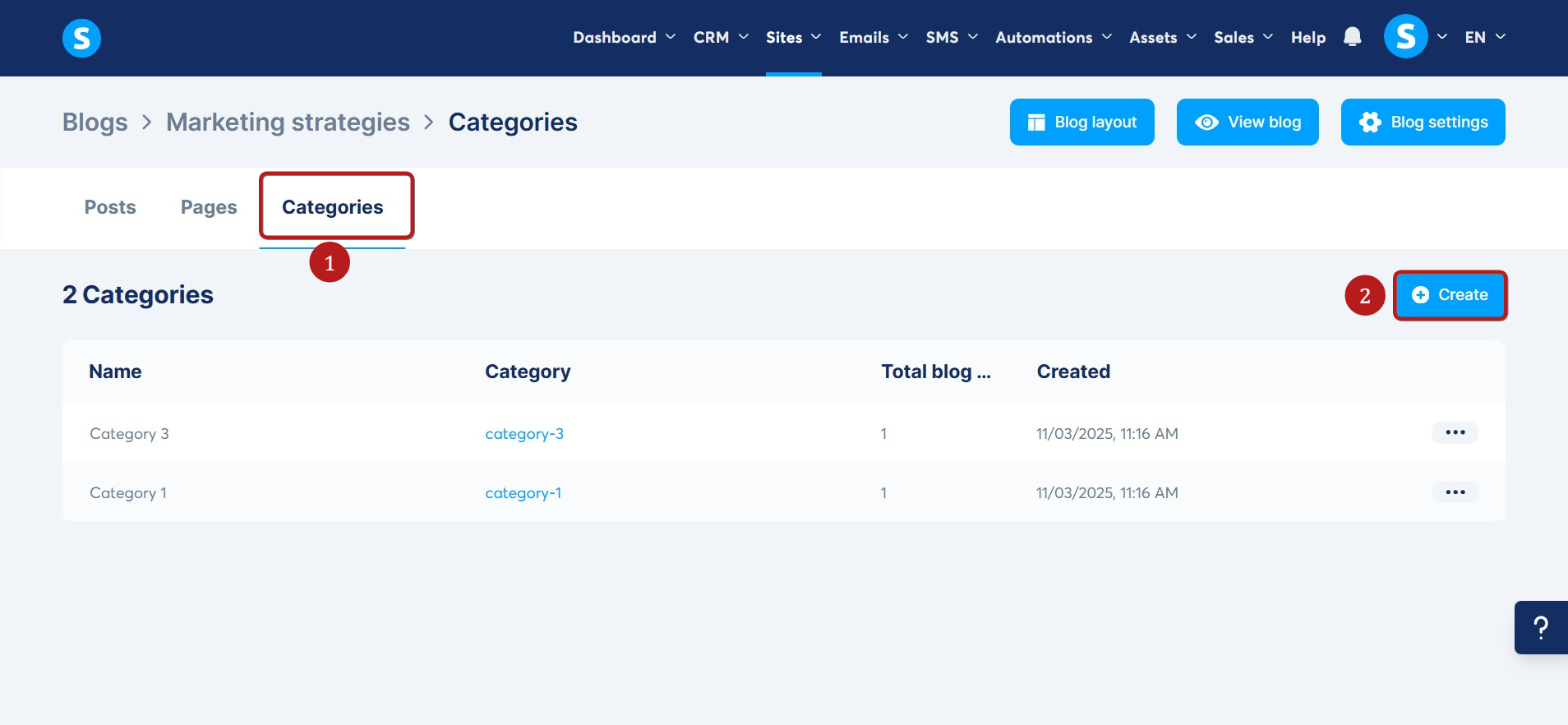
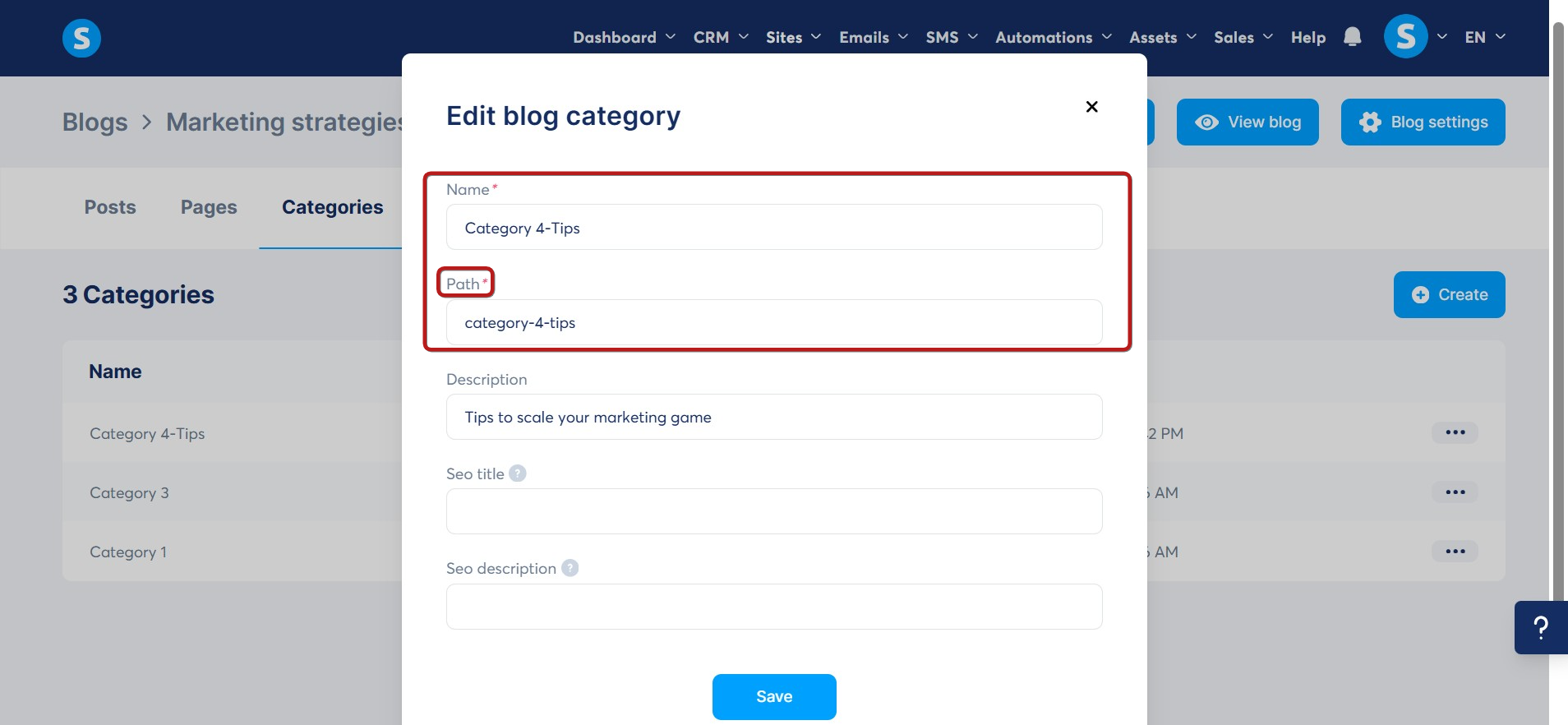
A popup will appear with the following fields:

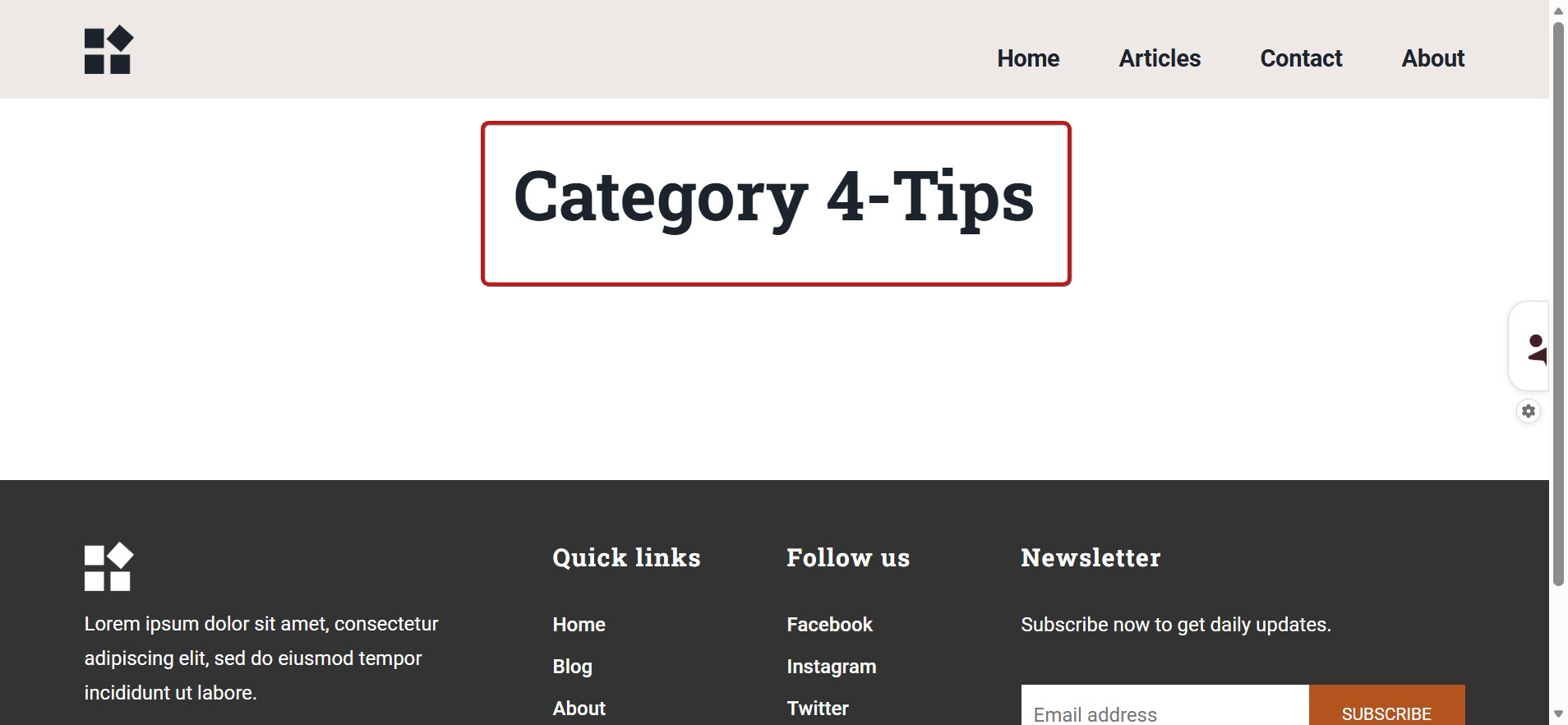
1. Name: Enter a name for your category. This will display automatically on the category page, for example: Category 4-Tips.
2. Path: The URL path is automatically generated based on the category name, with dashes separating the words. You can modify this path if you wish; it does not need to match the category name exactly.
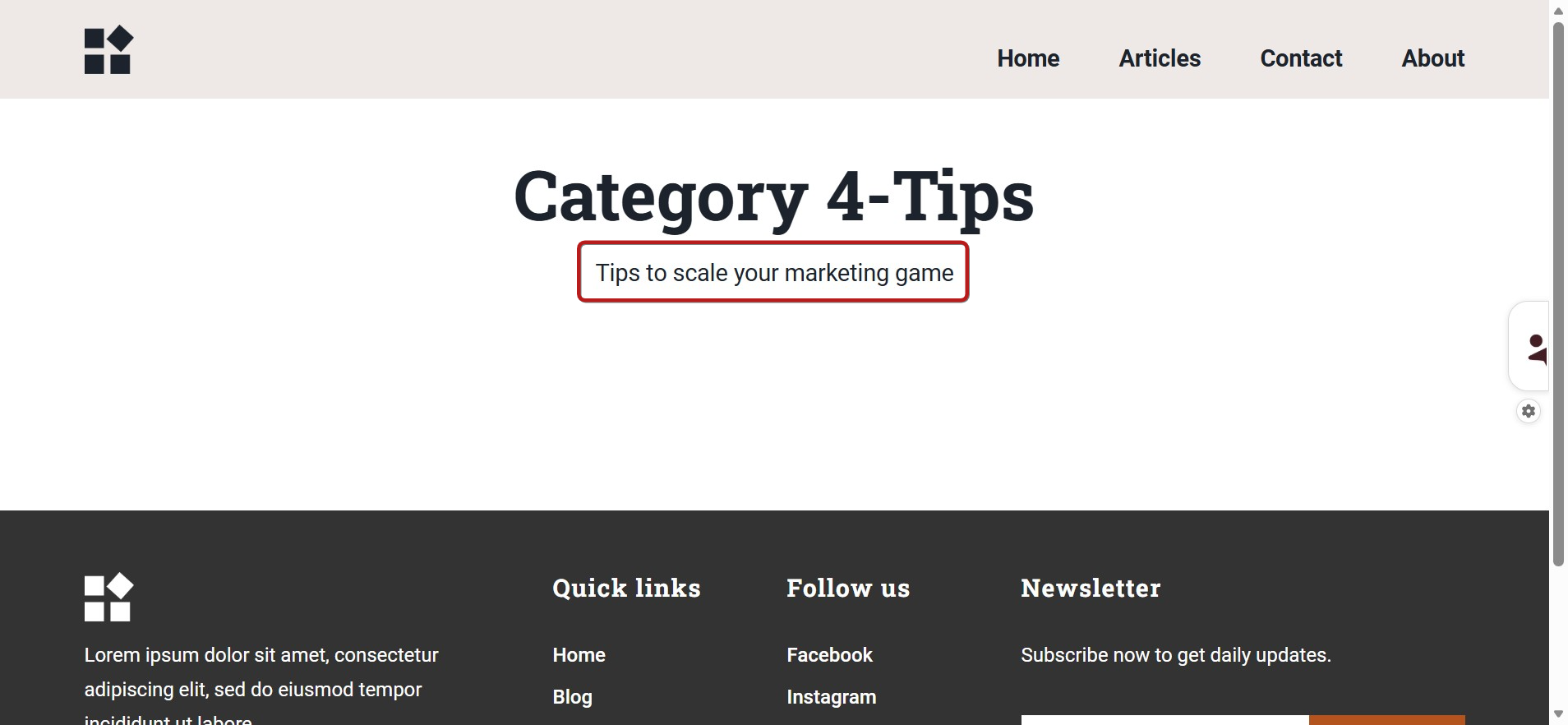
3. Description: Enter a description for your category. This text will be displayed on the category page.
4. SEO title: This title appears in browser tabs and when the category page is shared on social media.

5. SEO description: This description appears in search engine results and social media previews.
